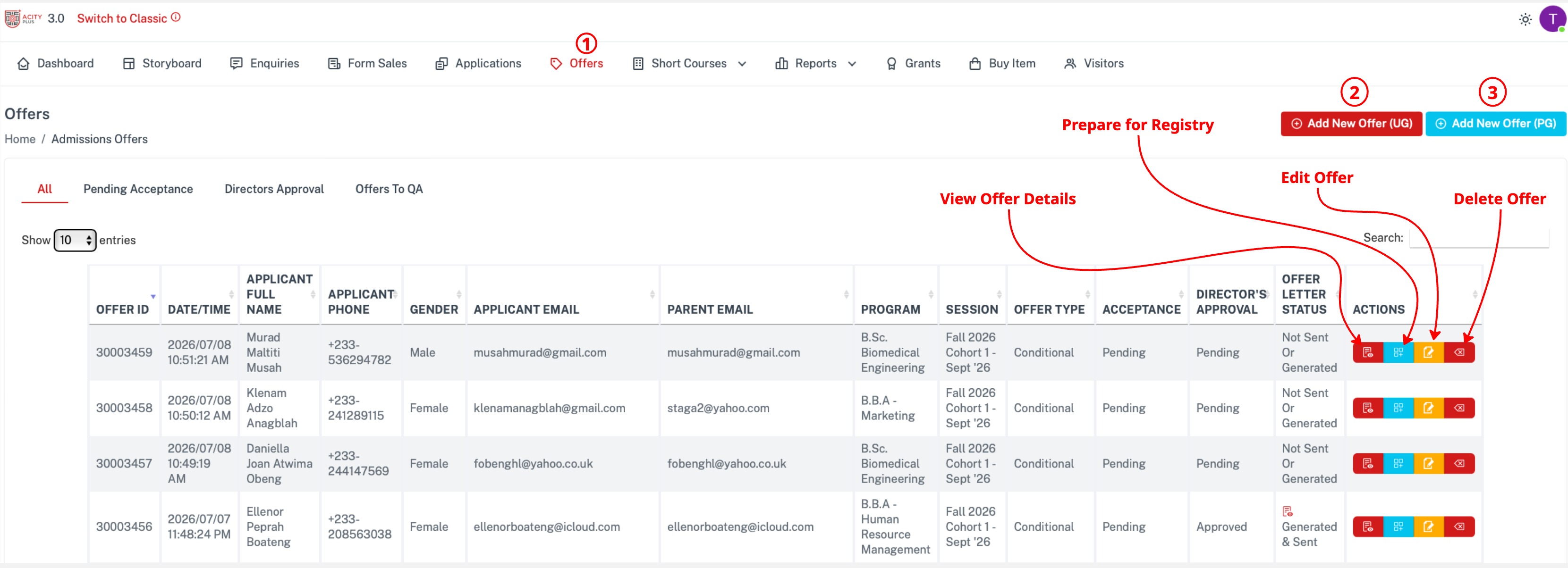
All : All the offers available.
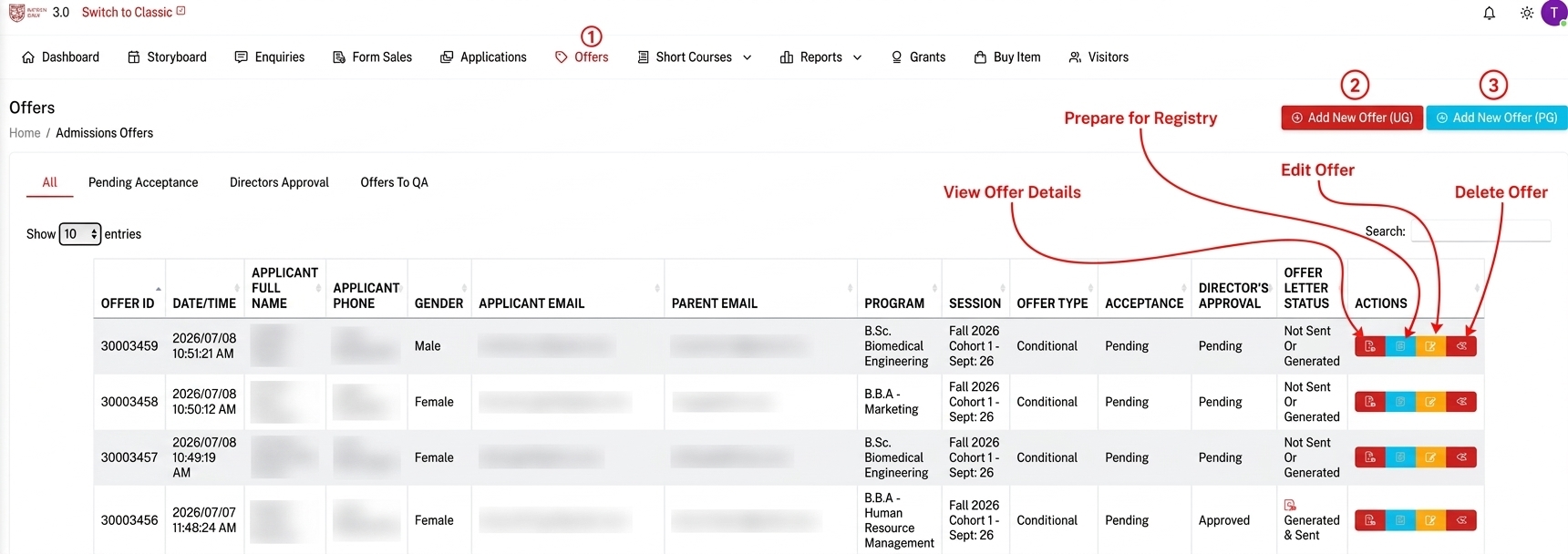
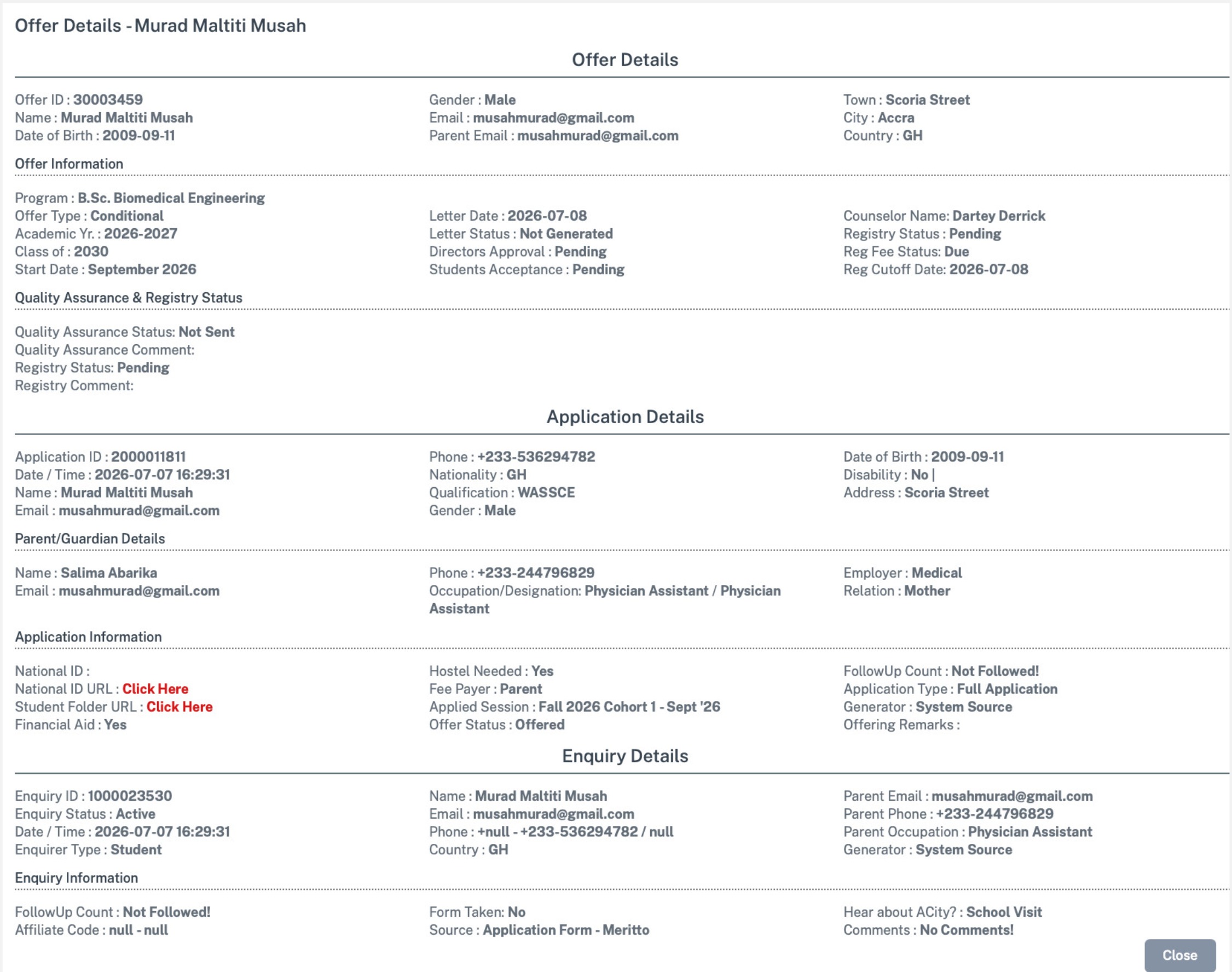
View Offers details
Click on view Offer details to view Offer details of that applicant.
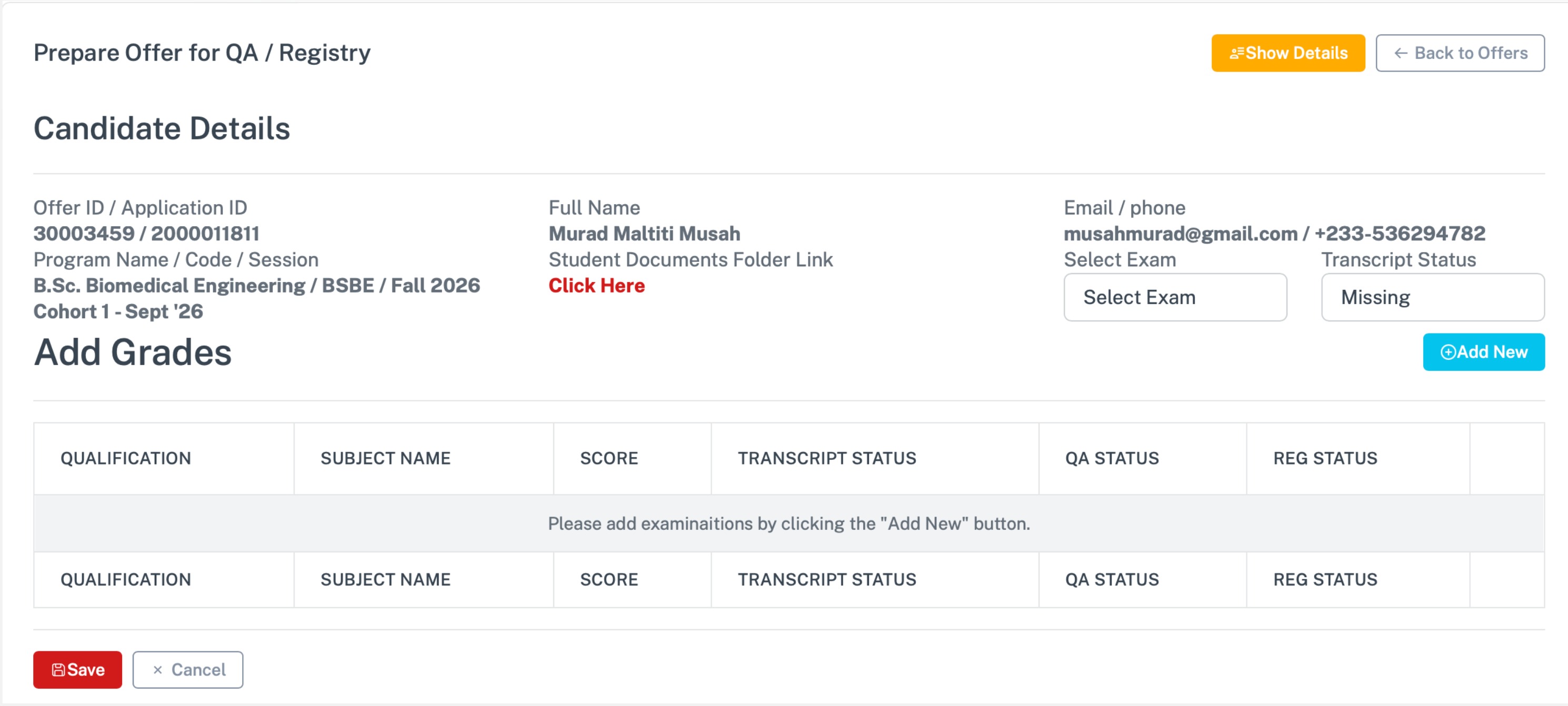
Prepare For Registry
click on the prepare for registry to prepare Offers for QA/Registry
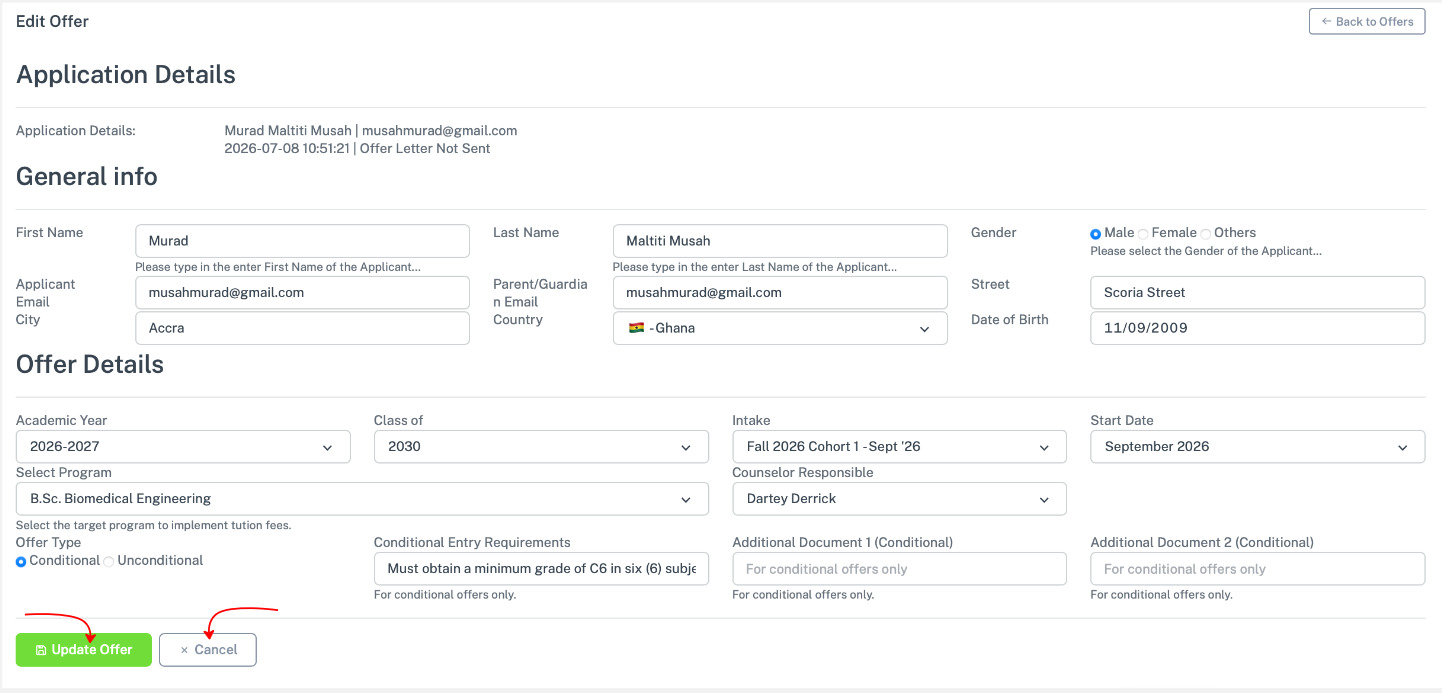
Edit Offers
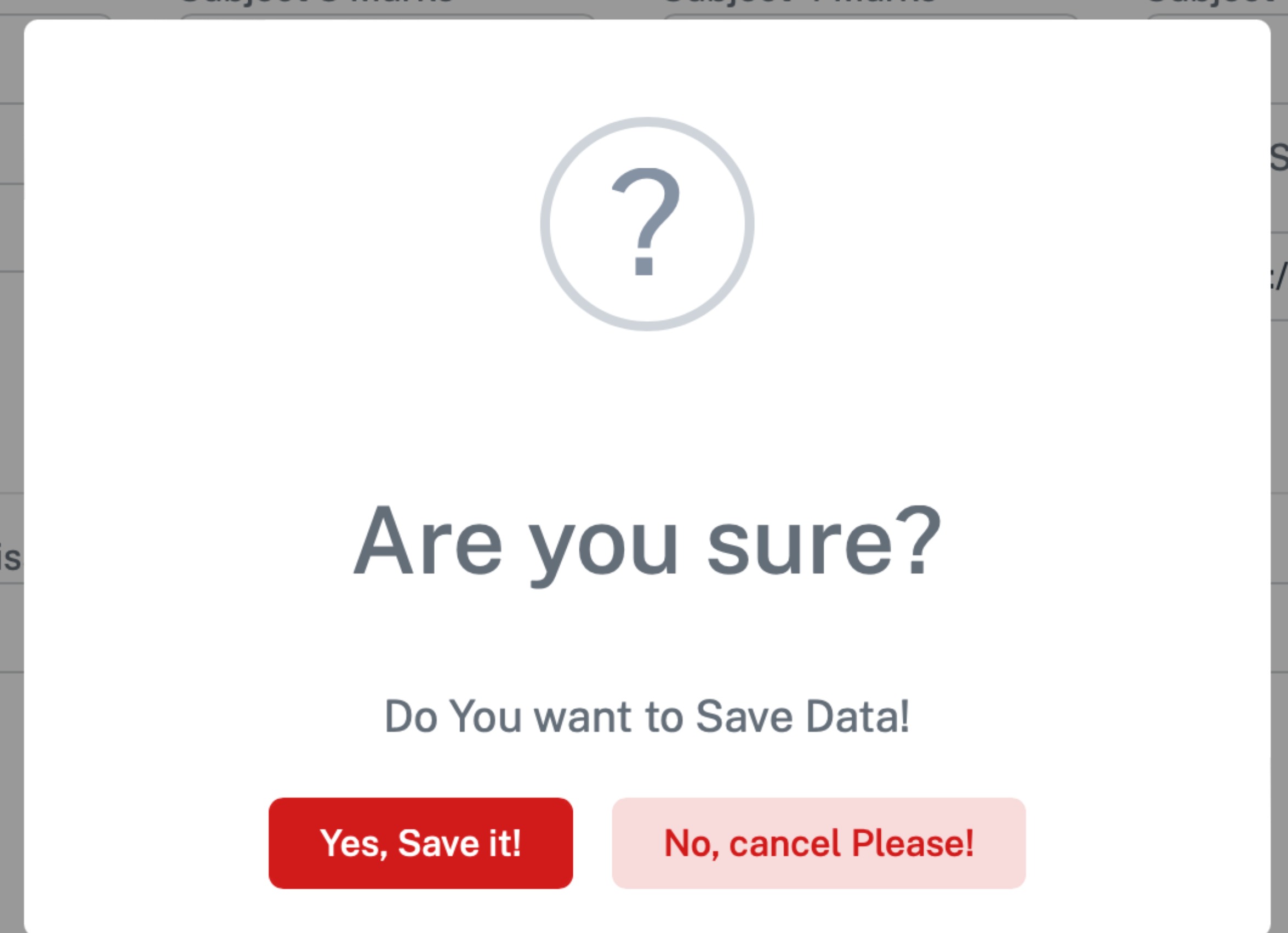
Click on the edit offers to edit offers. A confirmation alert appear for you to confirm.
Delete Offers
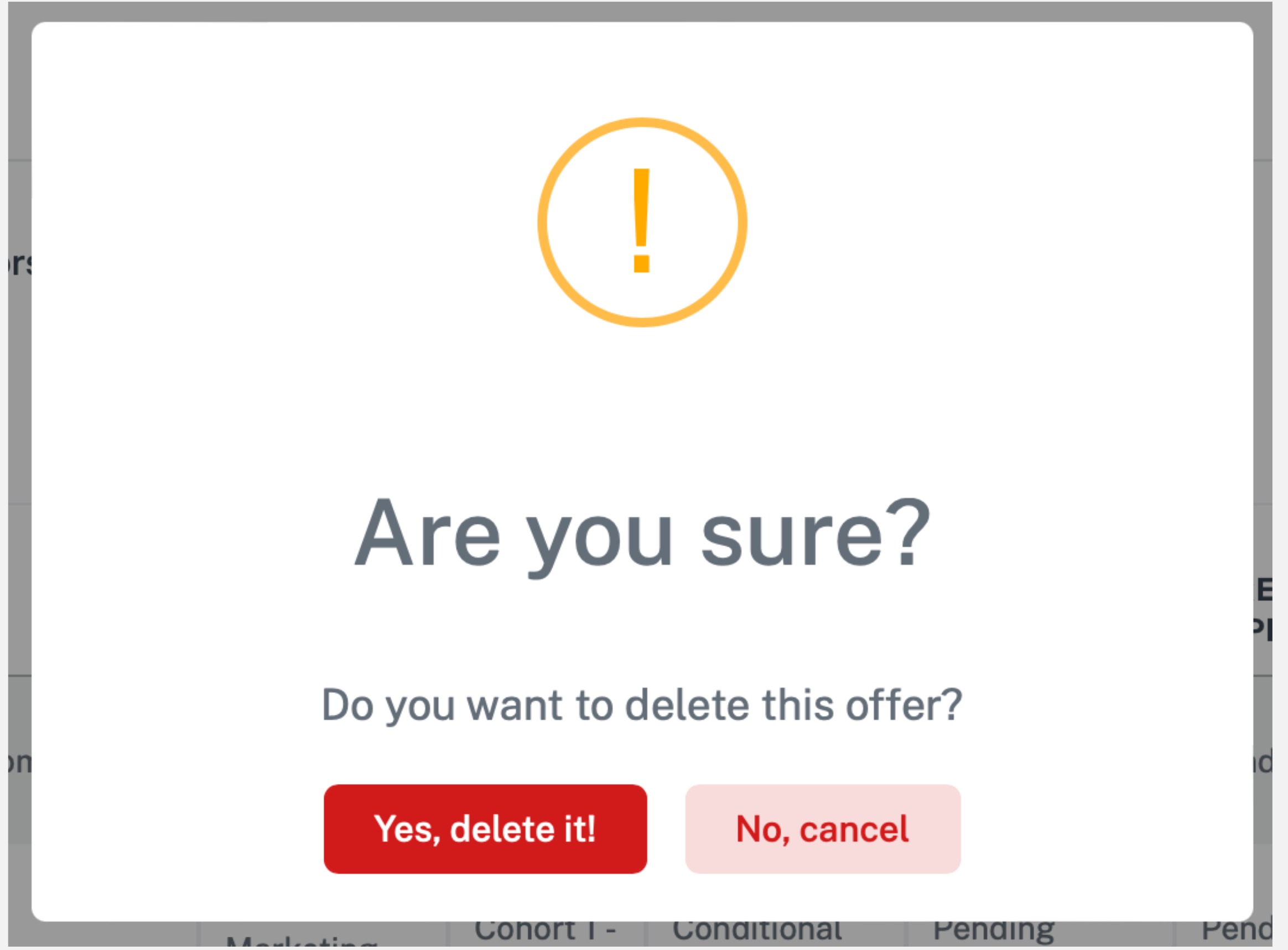
Click on the delete offers to delete offers. A confirmation alert appear for you to confirm
Pending Acceptance : is awaiting student offers acceptance
View Offers details
Click on view Offer details to view Offer details of that applicant.
Prepare For Registry
click on the prepare for registry to prepare Offers for QA/Registry
Edit Offers
Click on the edit offers to edit offers. A confirmation alert appear for you to confirm.
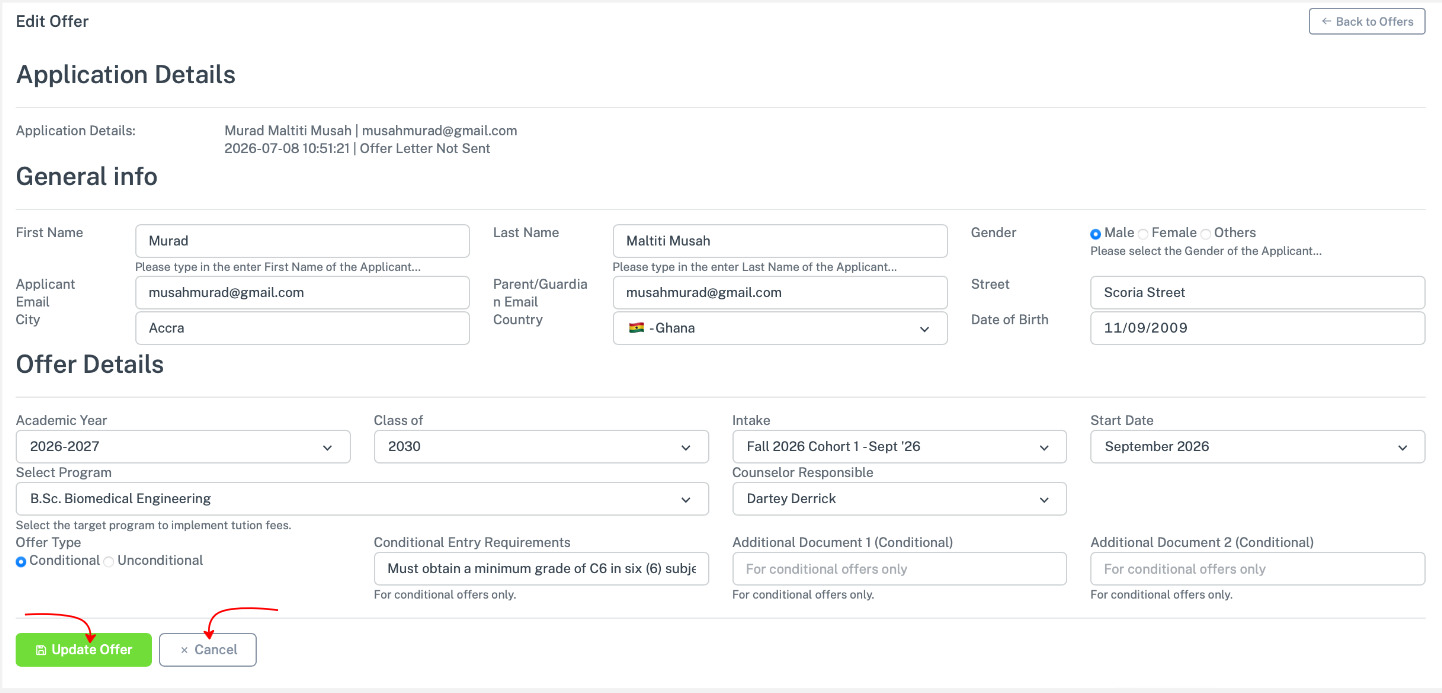
Delete Offers
Click on the delete offers to delete offers. A confirmation alert appear for you to confirm
Directors Approval : Is where admission directors approve students.
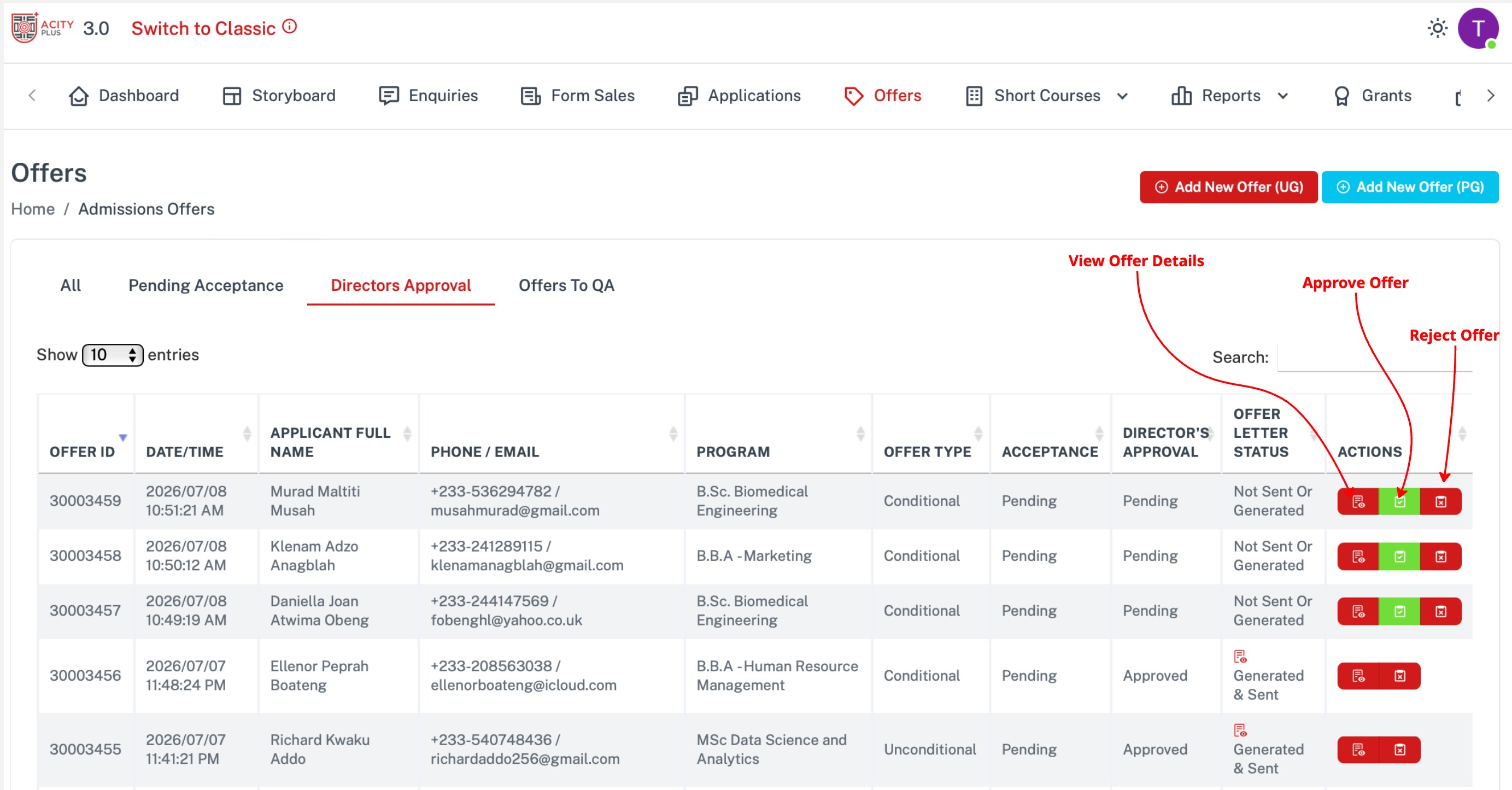
View Offers details
Click on view Offer details to view Offer details of that applicant.
Approve Offers
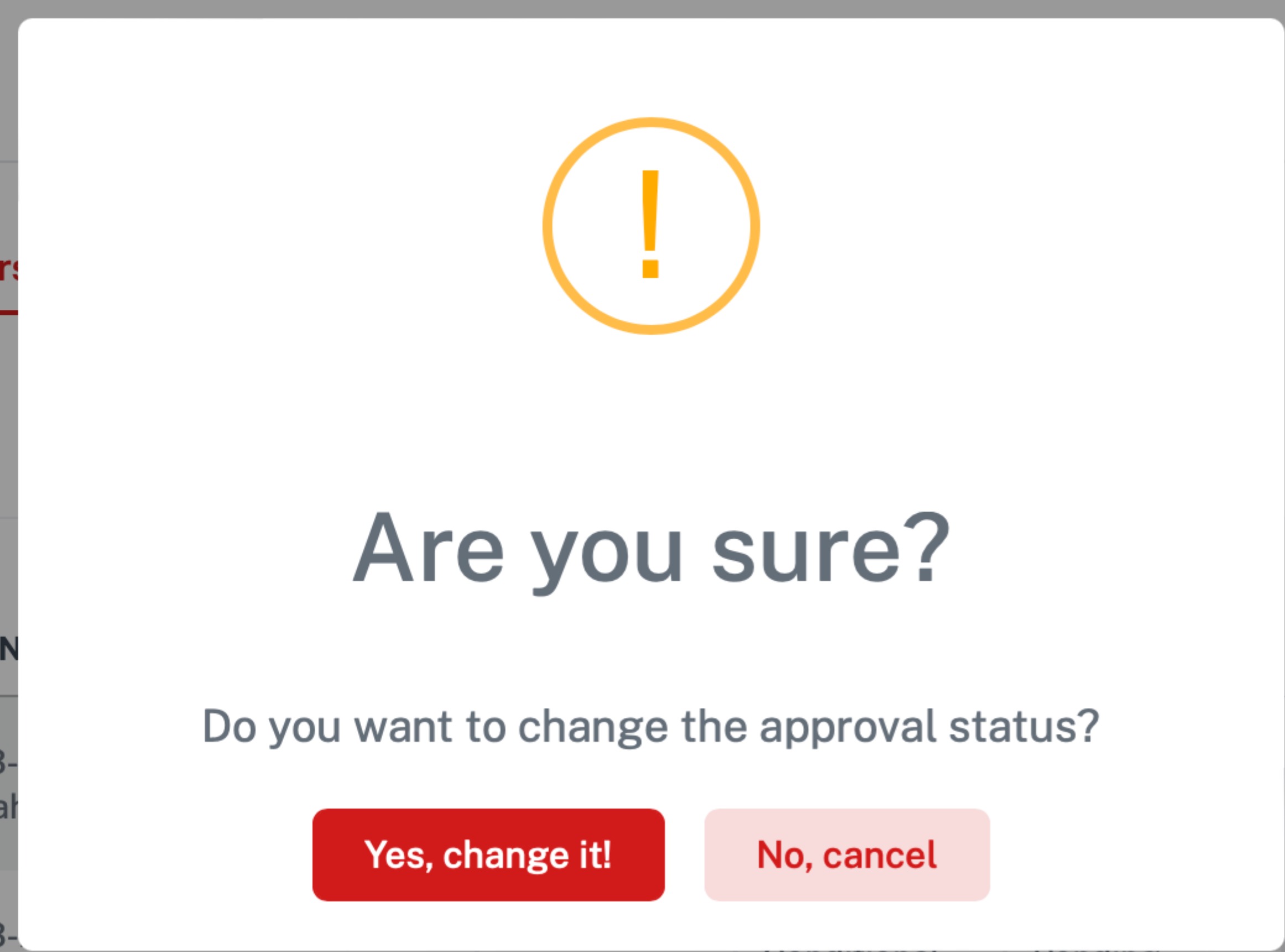
Approve Offers
A confirmation alert appear for you to confirm
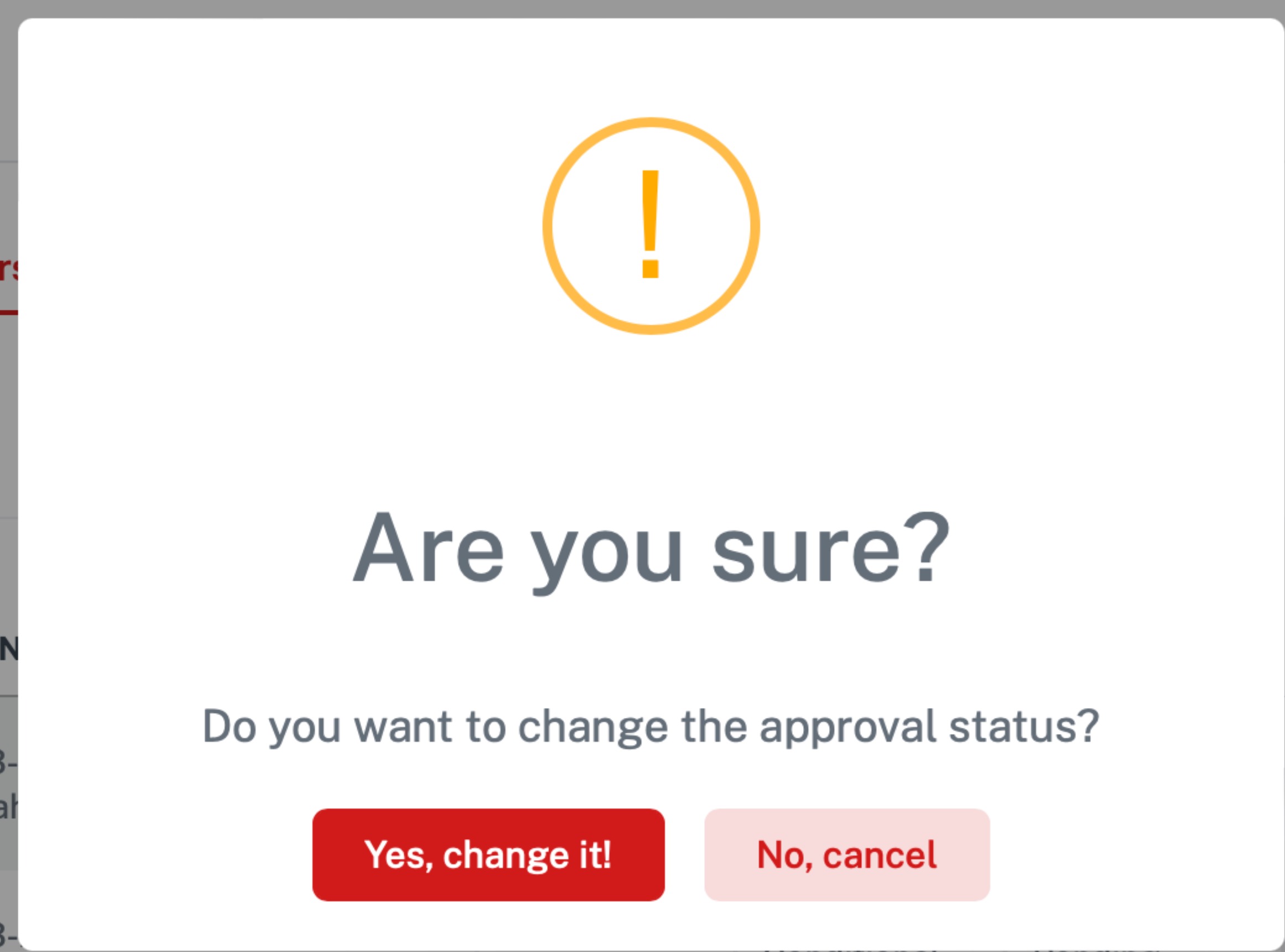
Offers to QA : Is where admission manager uploads student document to send to QA for approval.
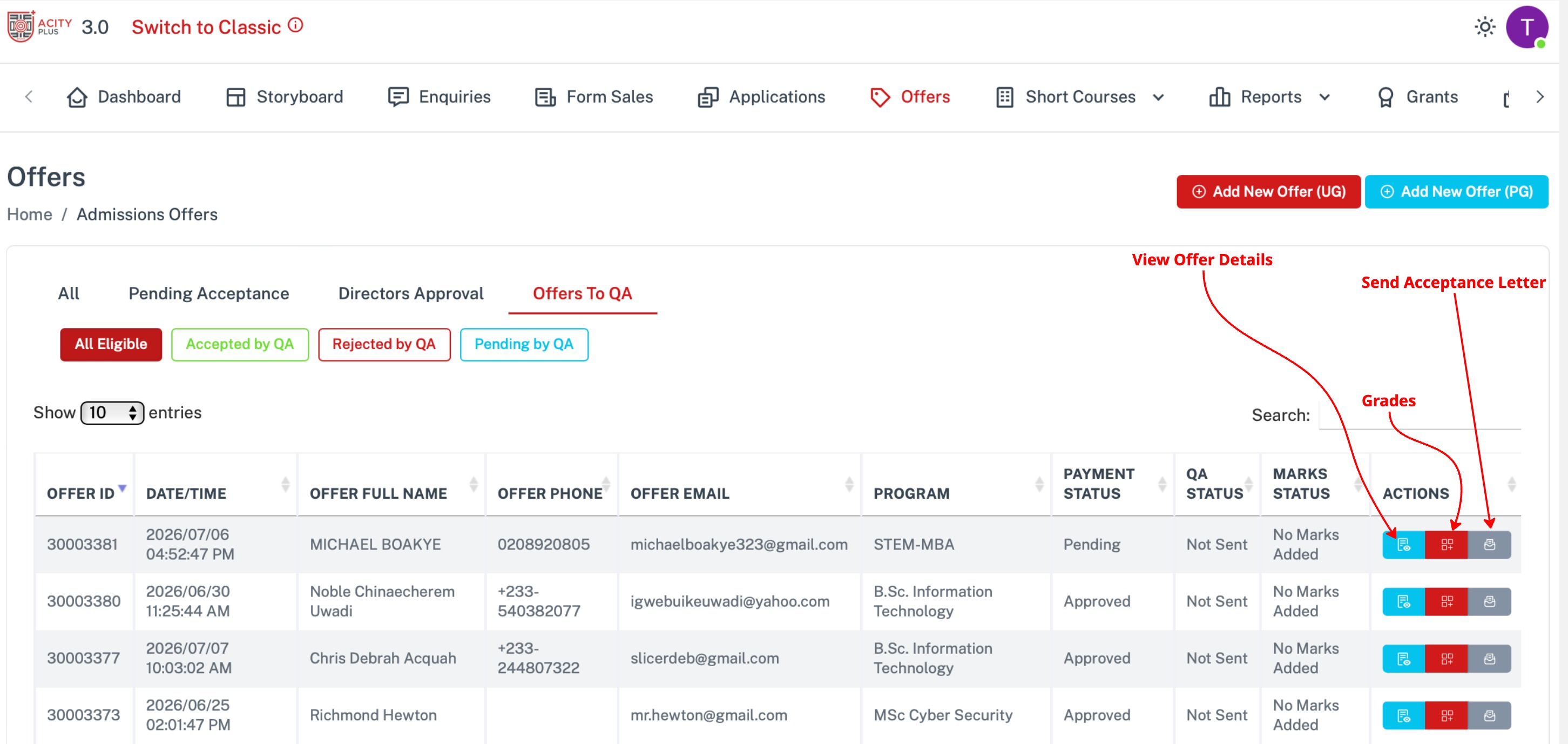
View Offers details
Click on view Offer details to view Offer details of that applicant.
Grades
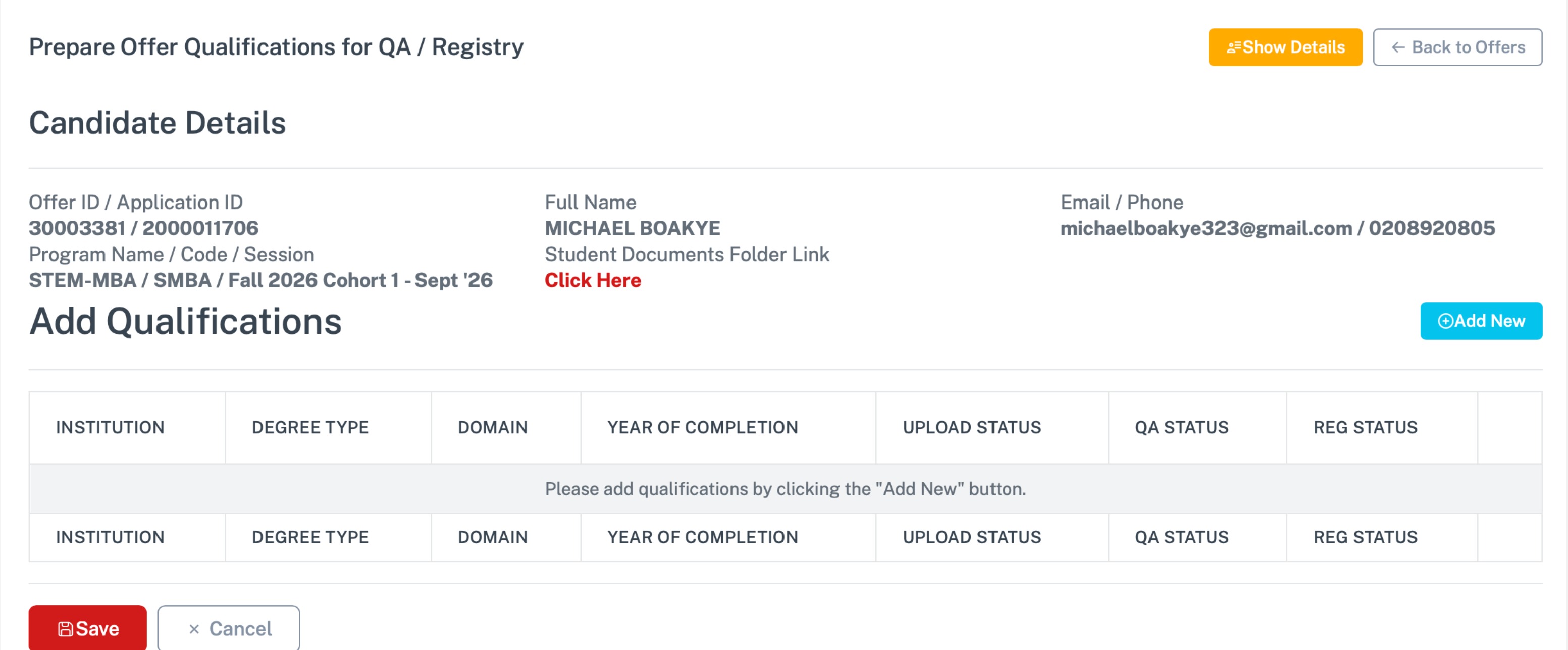
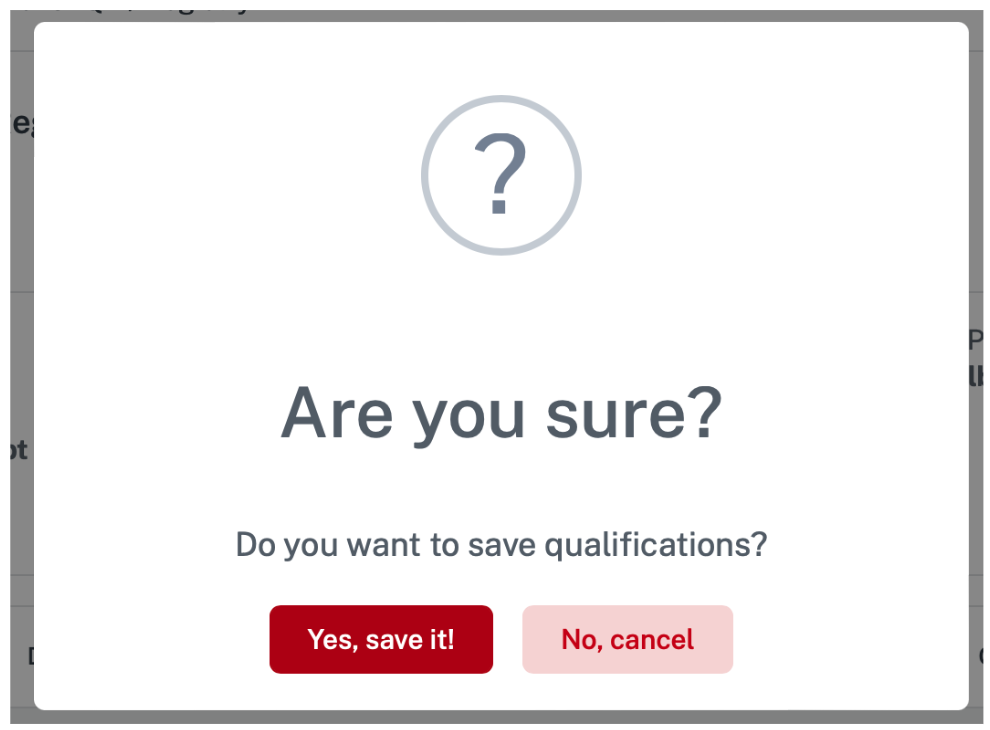
A confirmation alert appear when you click save button to confirm.
Send Acceptance Letter
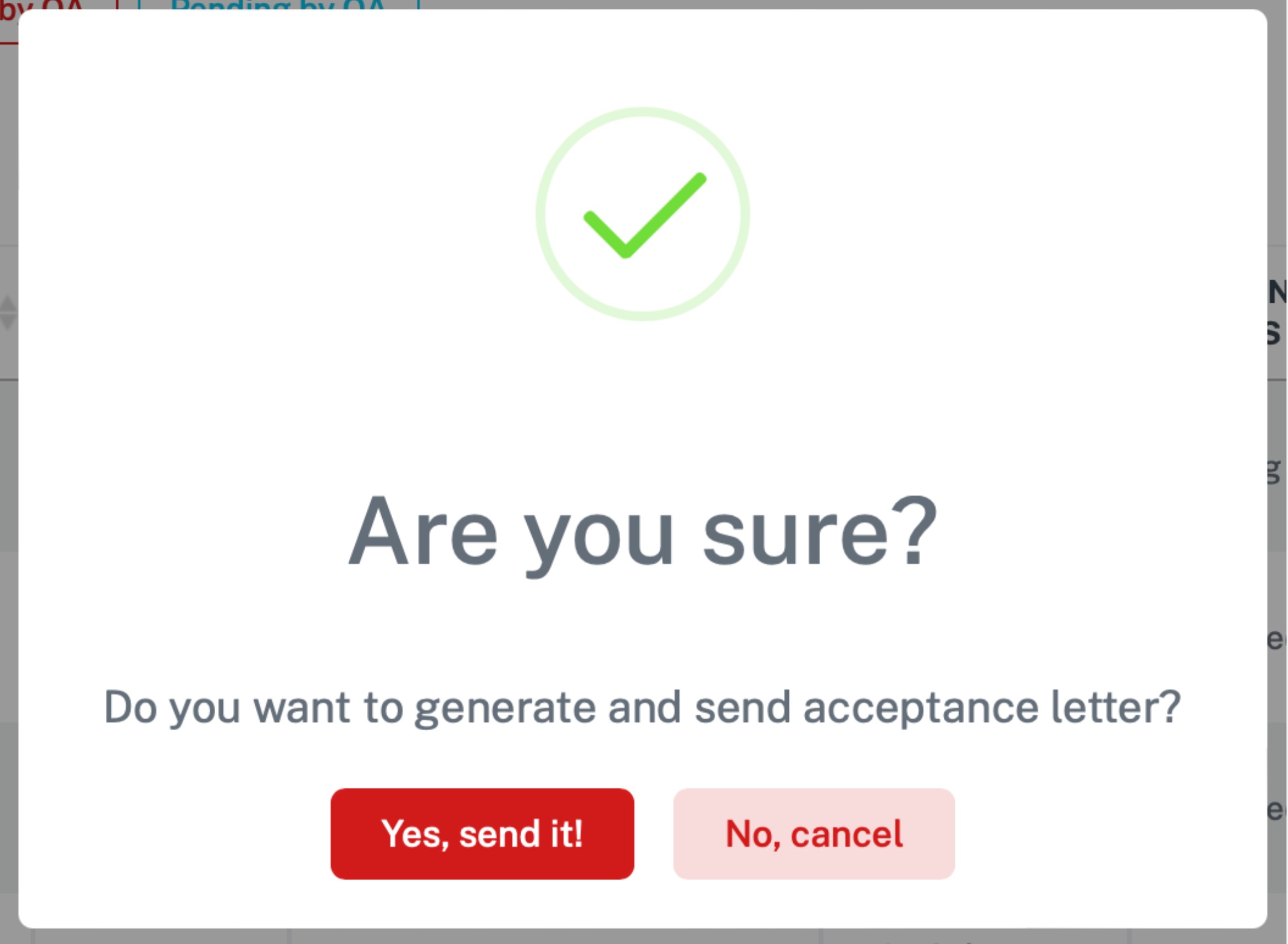
A confirmation alert appear for you to confirm