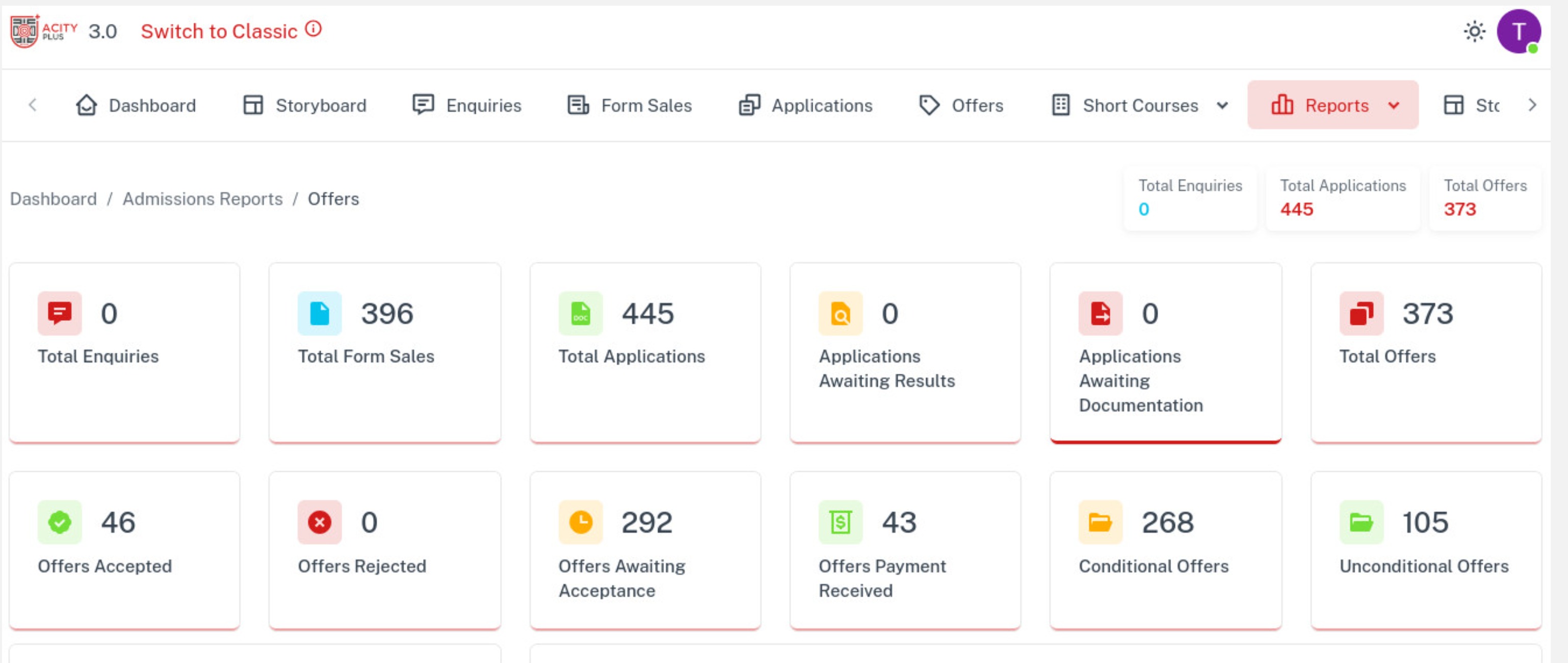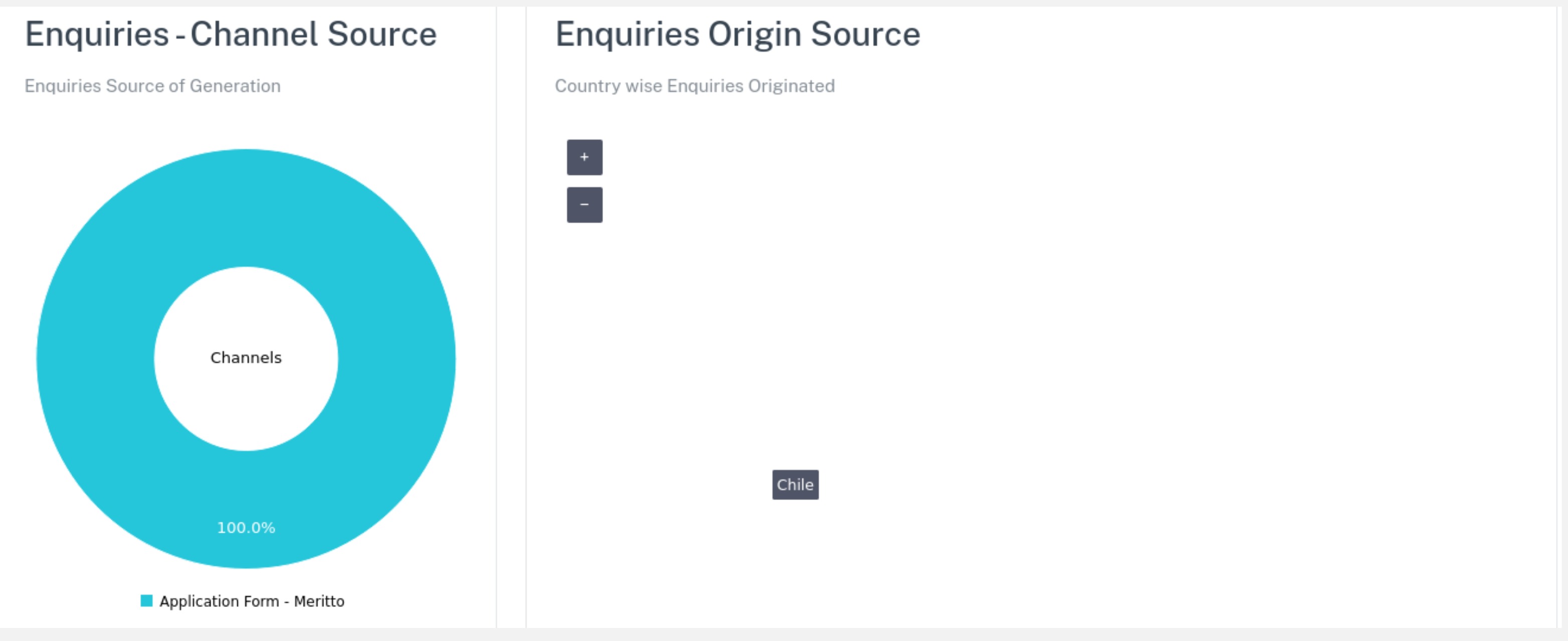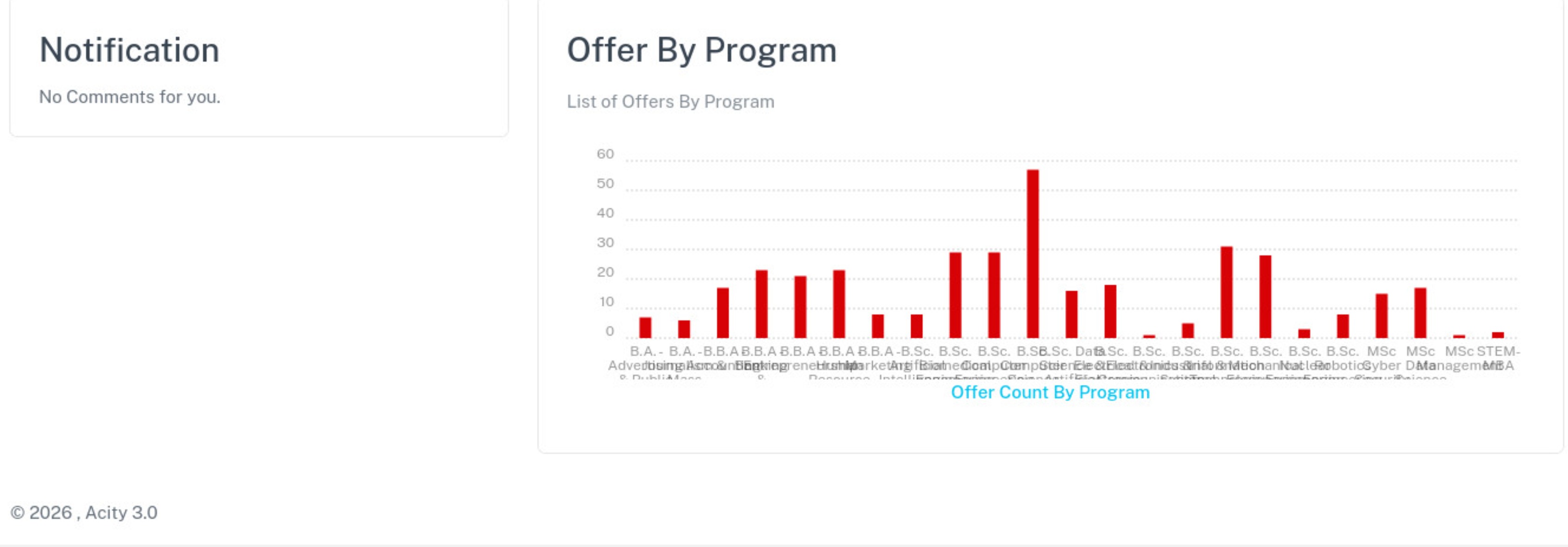
Report help you track performance, It can be filtered and exported.
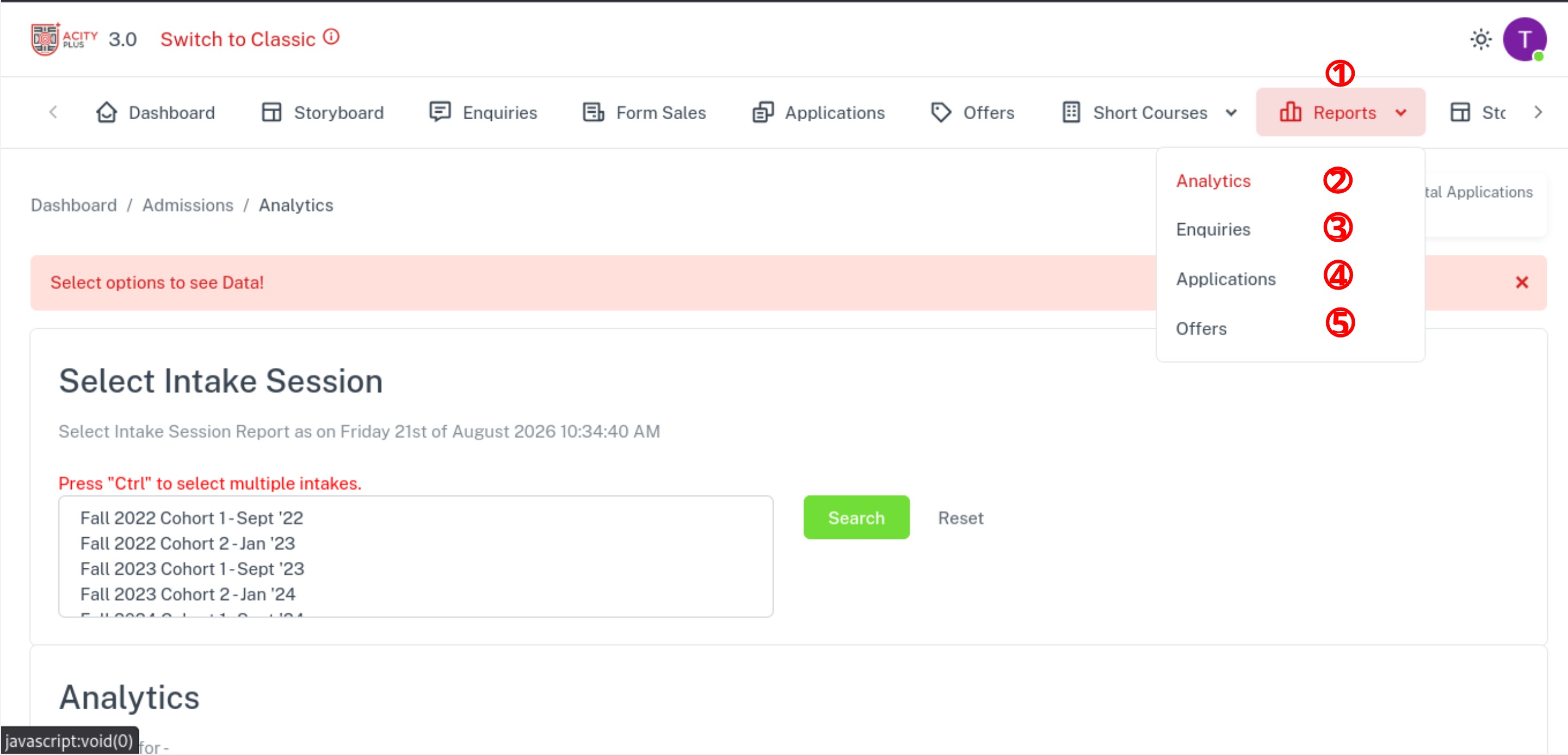
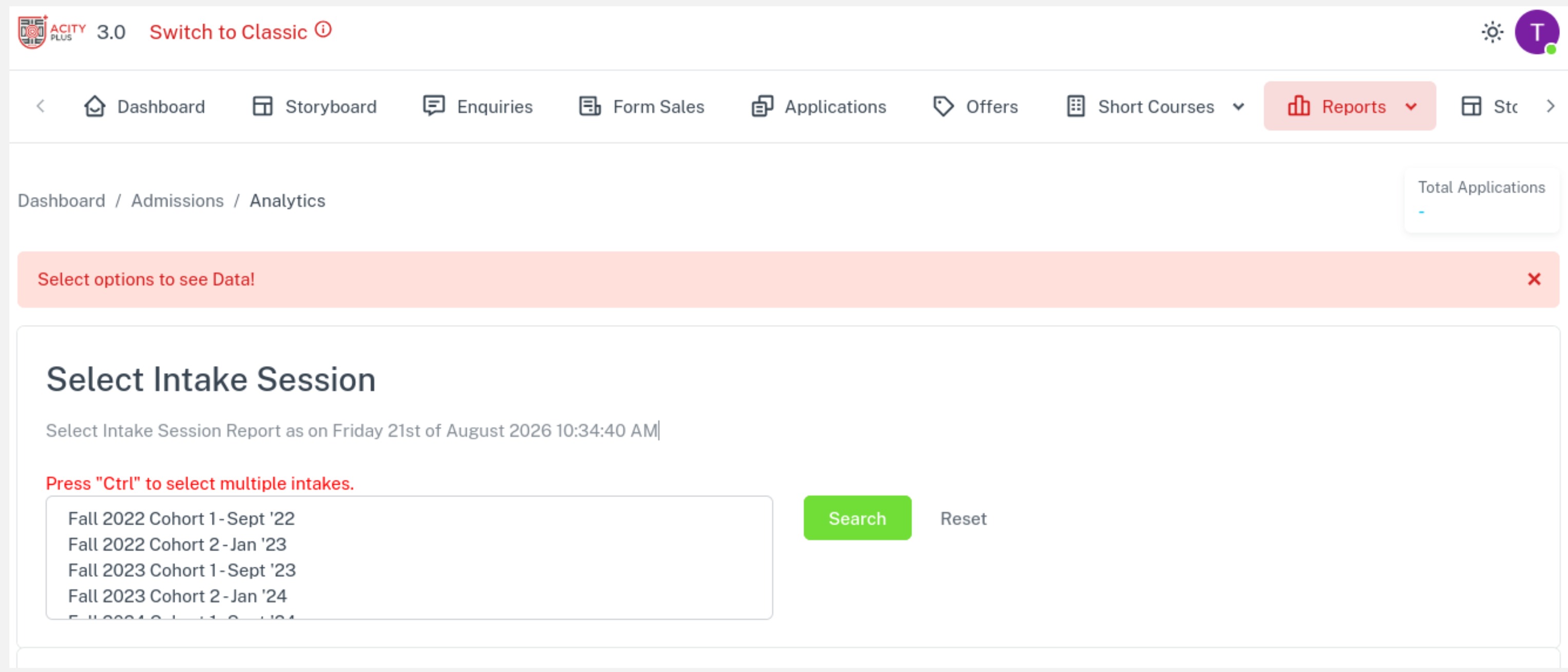
To view the analytic report:
Step 1: Click on the reports button in the navigation bar to open the drop down
Step 2: Click on the Analytic button in the drop down to view the analytic report.
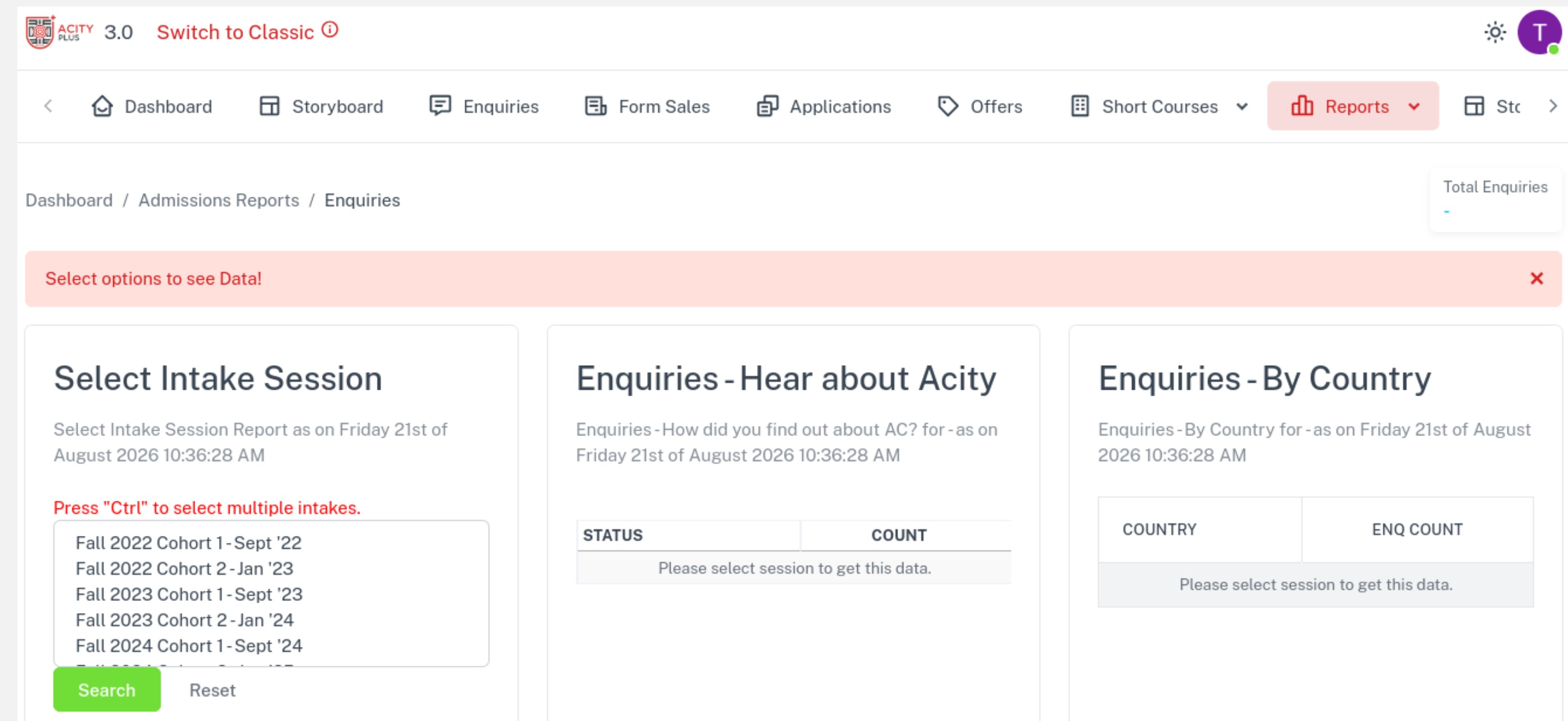
To view the Enquires report:
Step 1: Click on the reports button in the navigation bar to open the drop down
Step 2: Click on the enquires button in the drop down to view the enquires report.
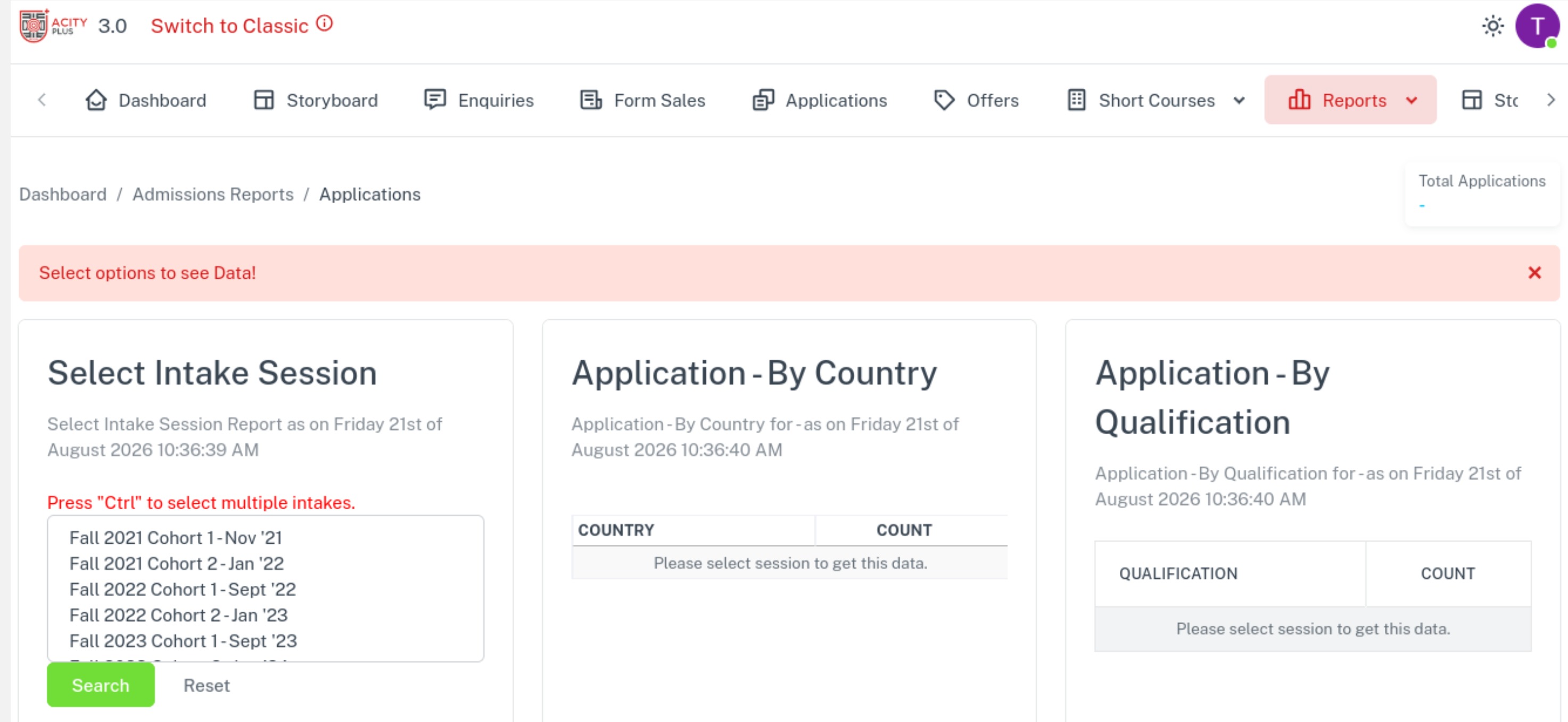
To view the Application report:
Step 1: Click on the reports button in the navigation bar to open the drop down
Step 2: Click on the application button in the drop down to view the application report.
To view the Offers report:
Step 1: Click on the reports button in the navigation bar to open the drop down
Step 2: Click on the offers button in the drop down to view the offers report.