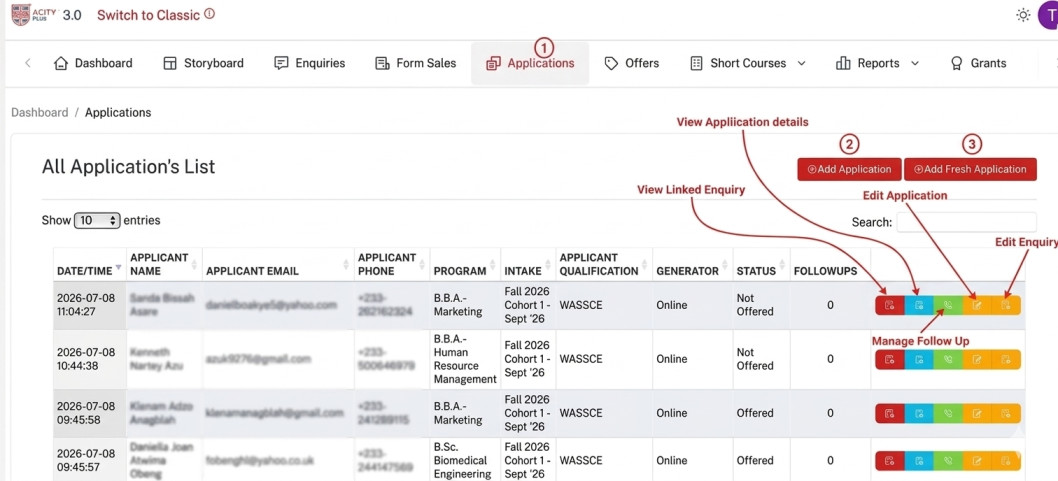
Creating application
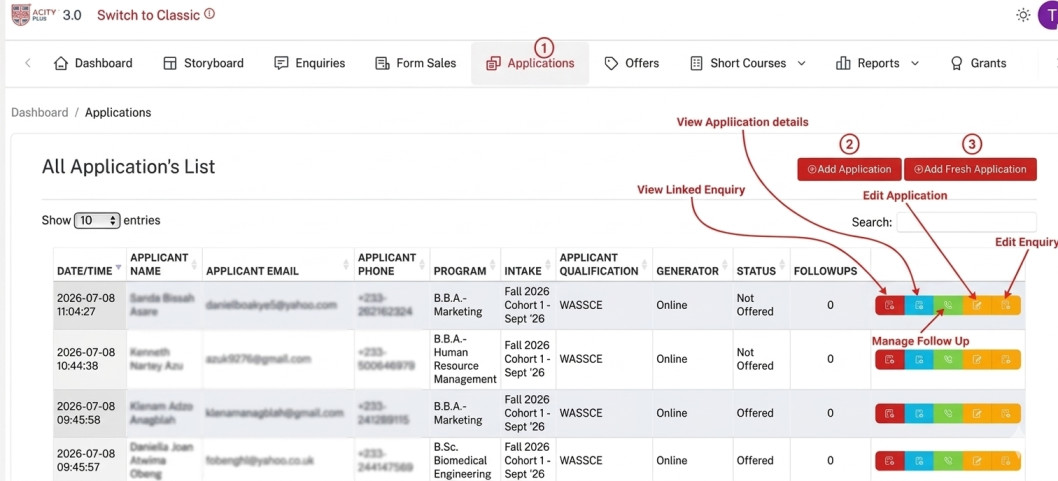
Step 1: From the dashboard click the Applications button in the navigation bar.
Step 2: Click the Add Application button (2) to add new application.
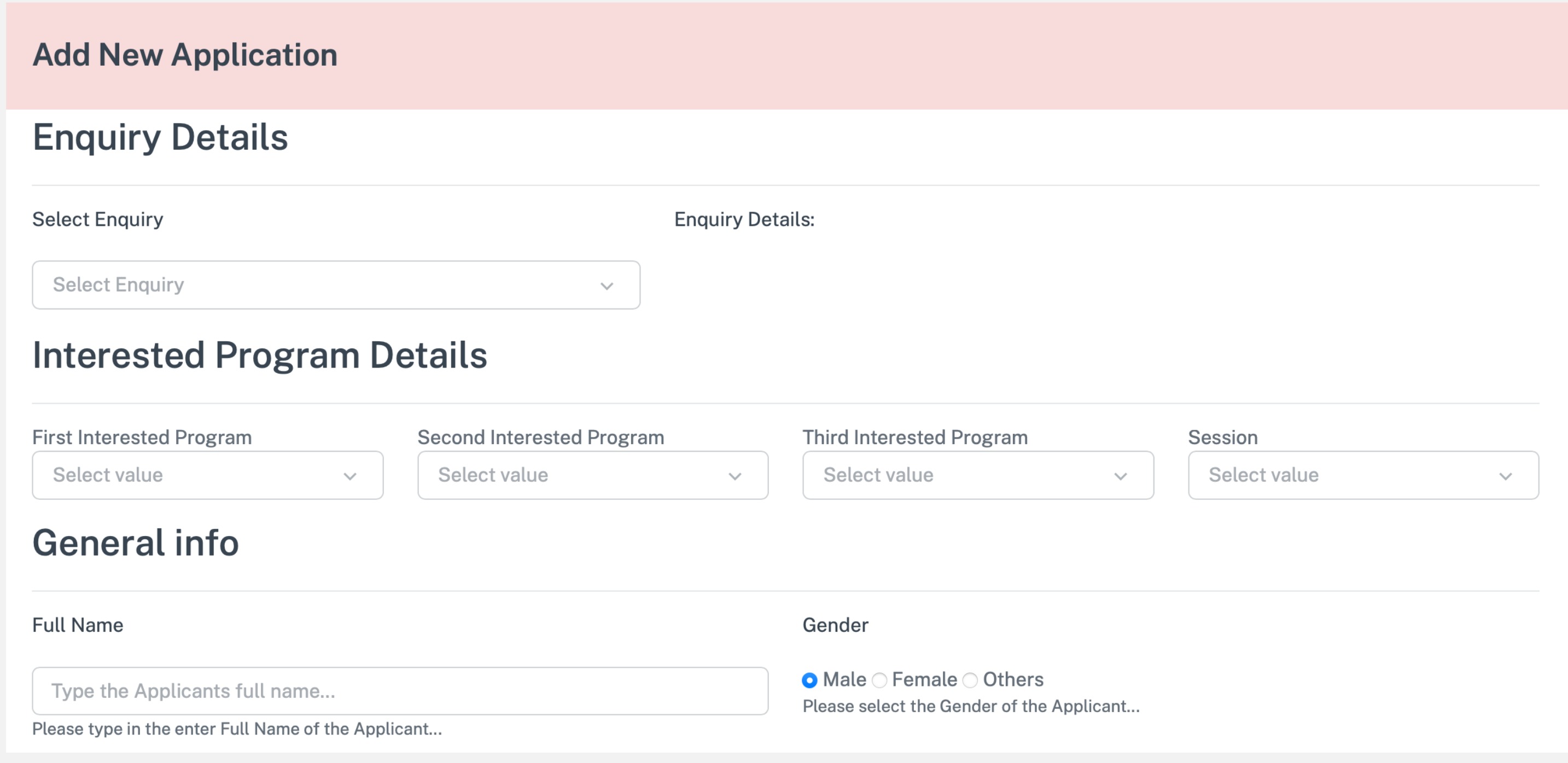
This is what you see when you click the add application. Fill in the required information
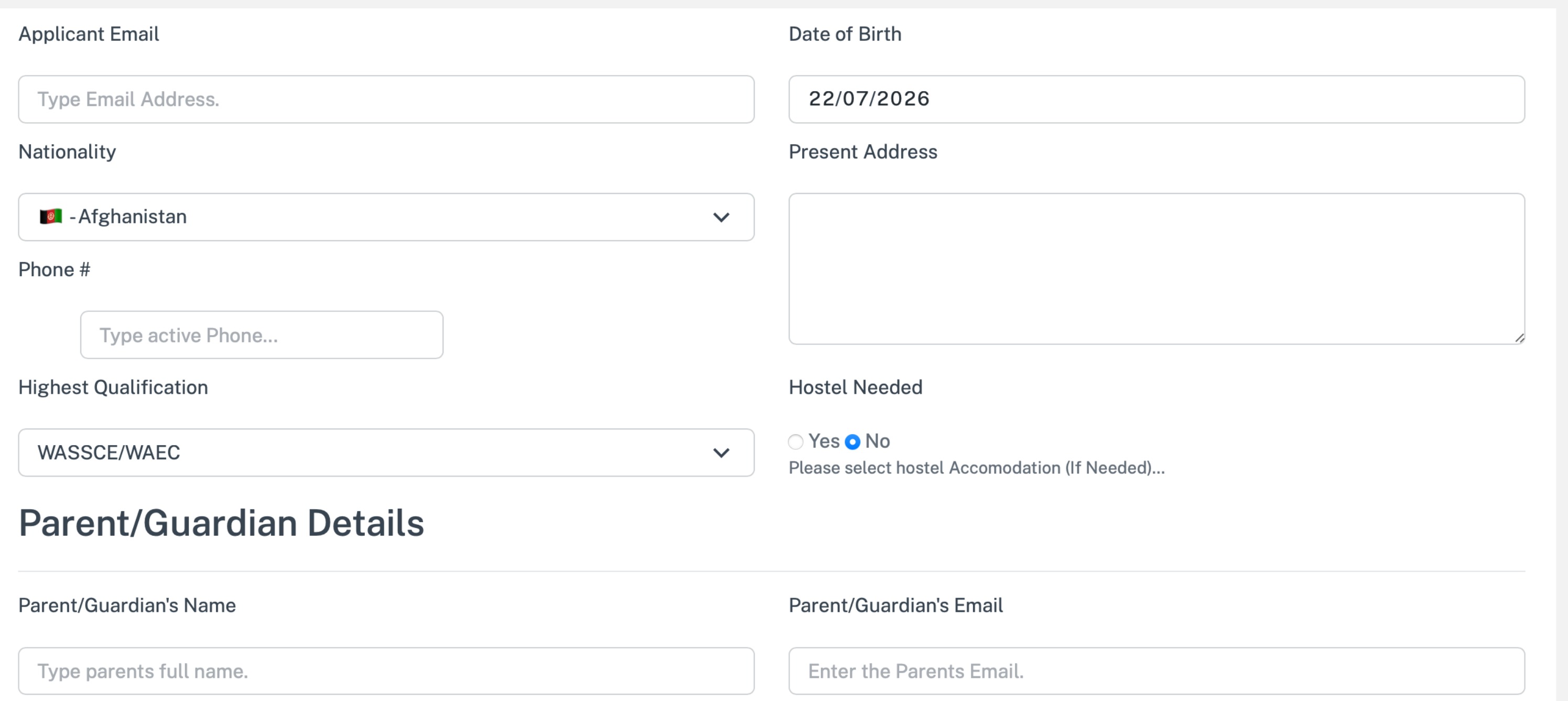
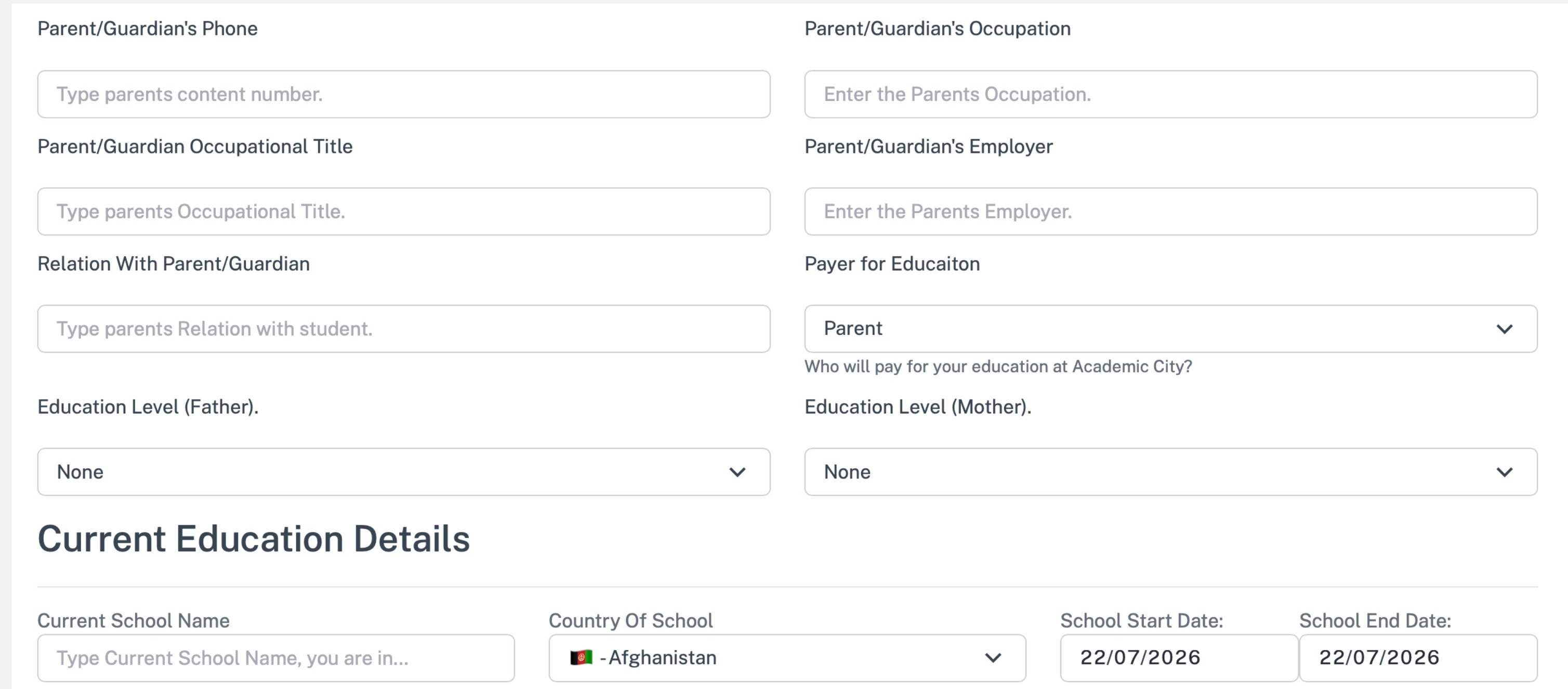
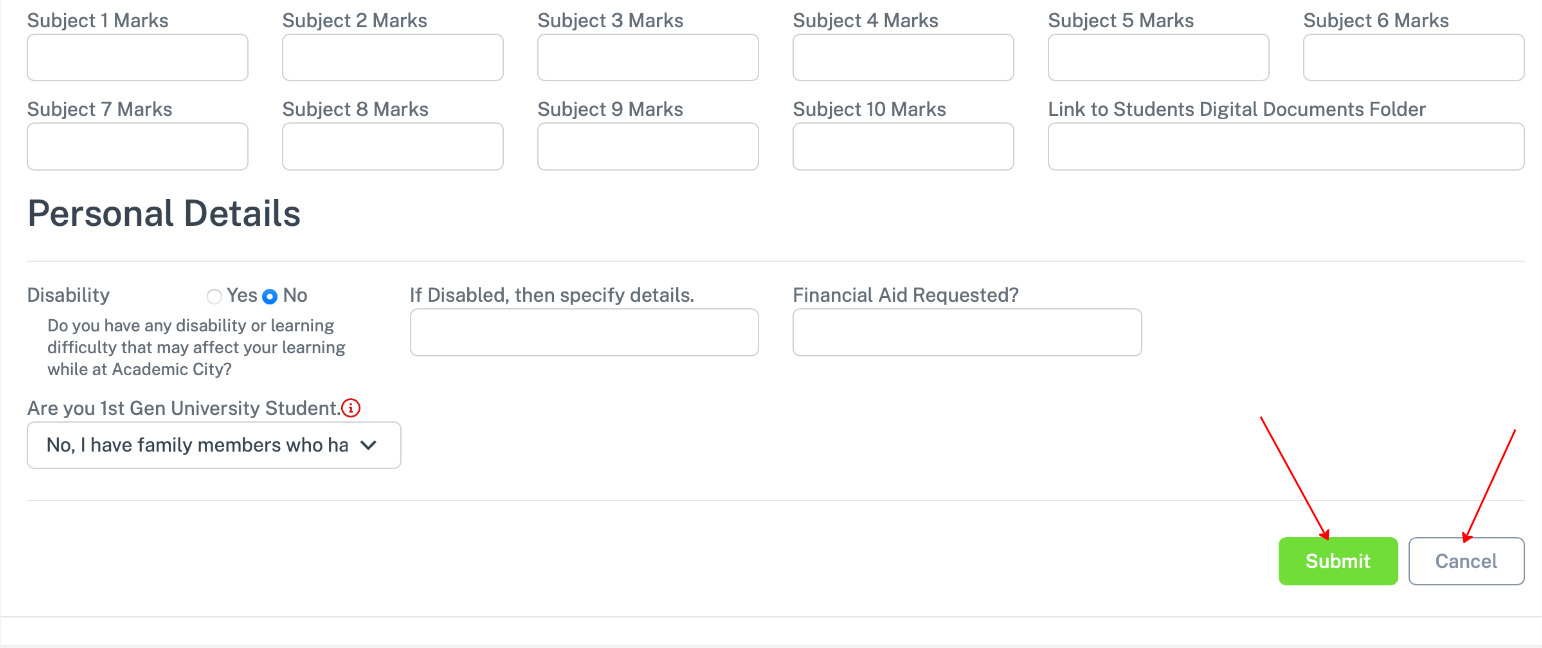
After filling click submit to save.
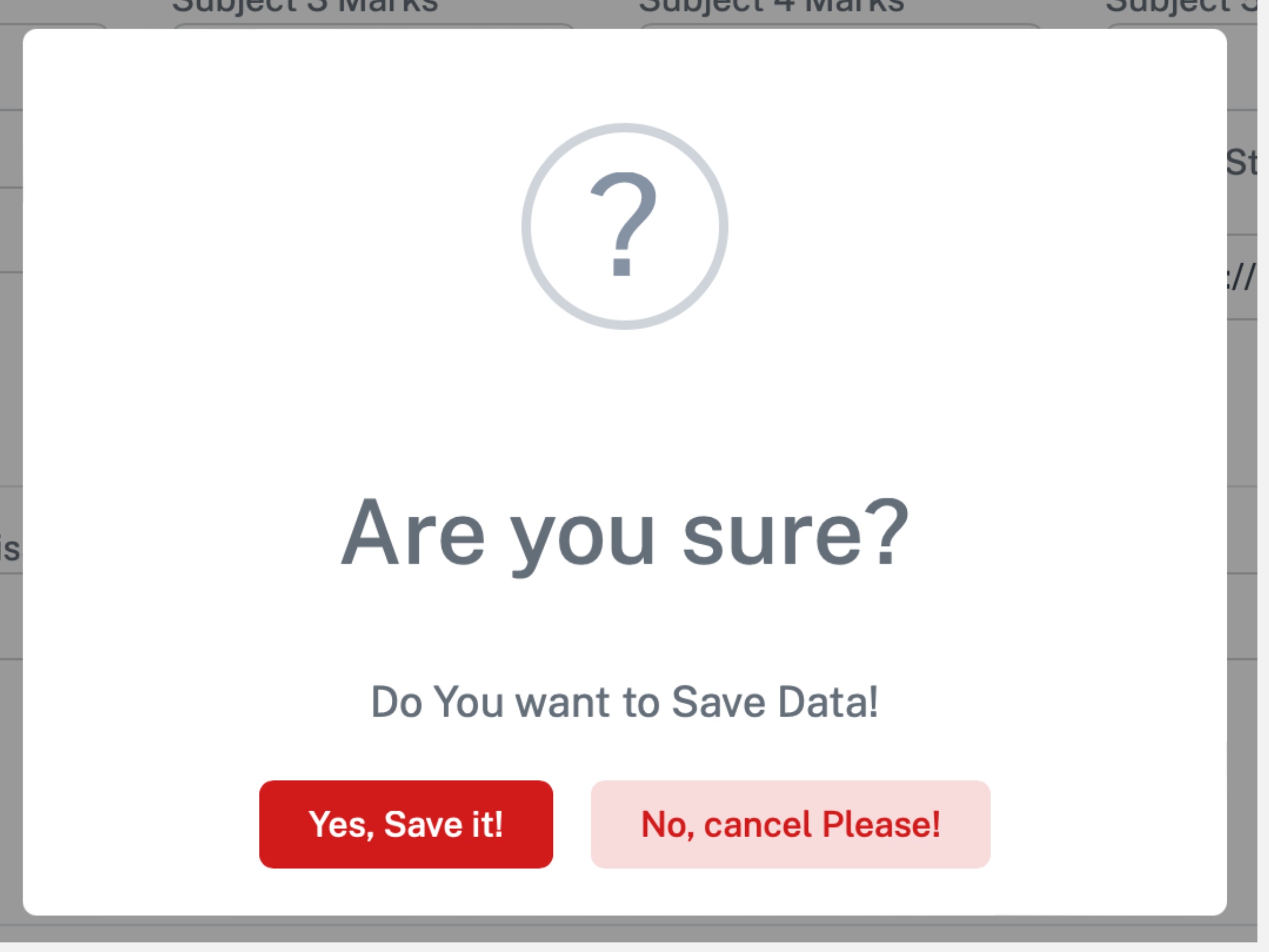
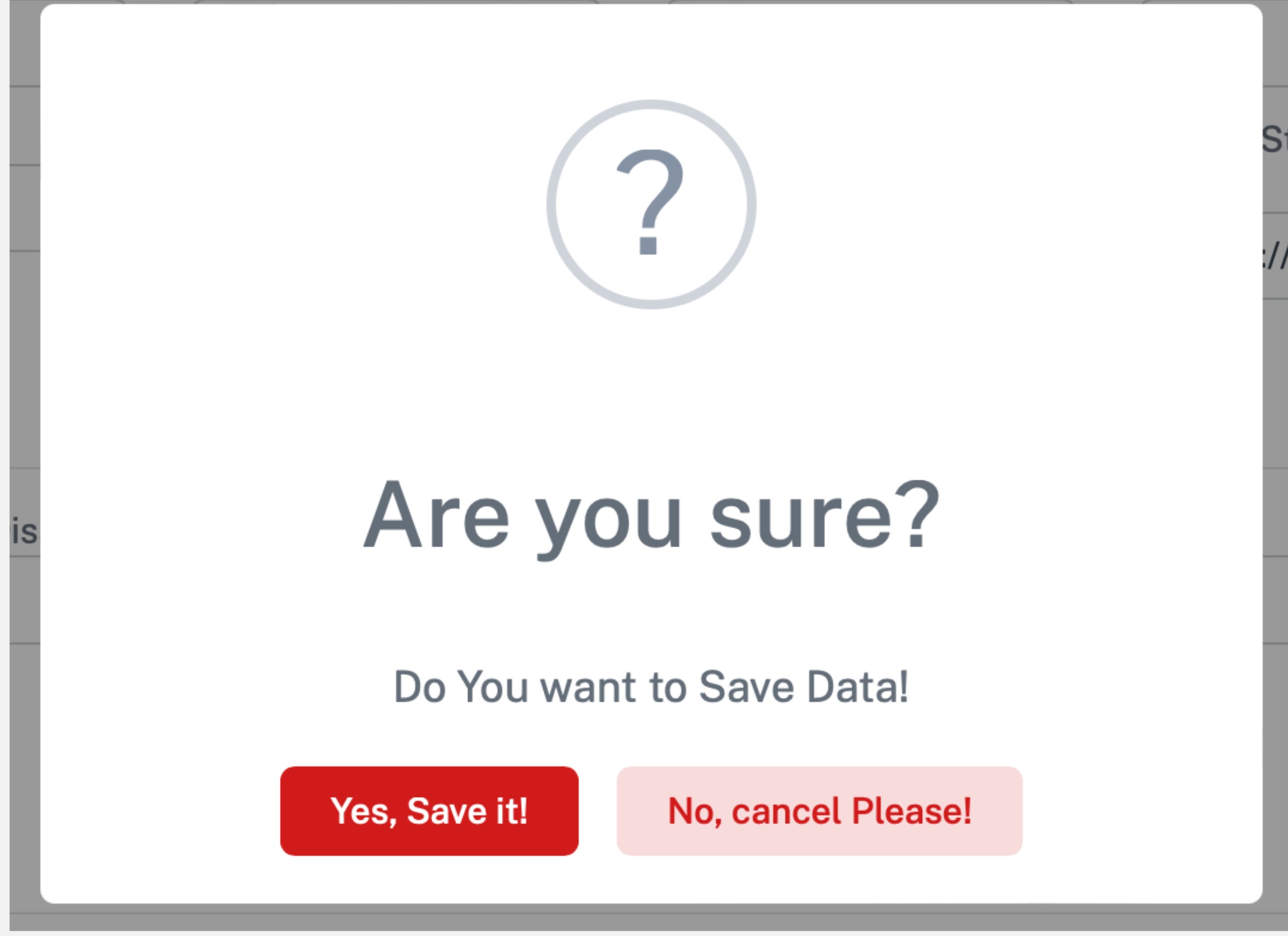
A confirmation alert appear for you to confirm
Fresh Application
Creating fresh application
Step 1: From the dashboard click the Applications button in the navigation bar.
Step 2: Click the Add Fresh Application button (3) to add fresh application
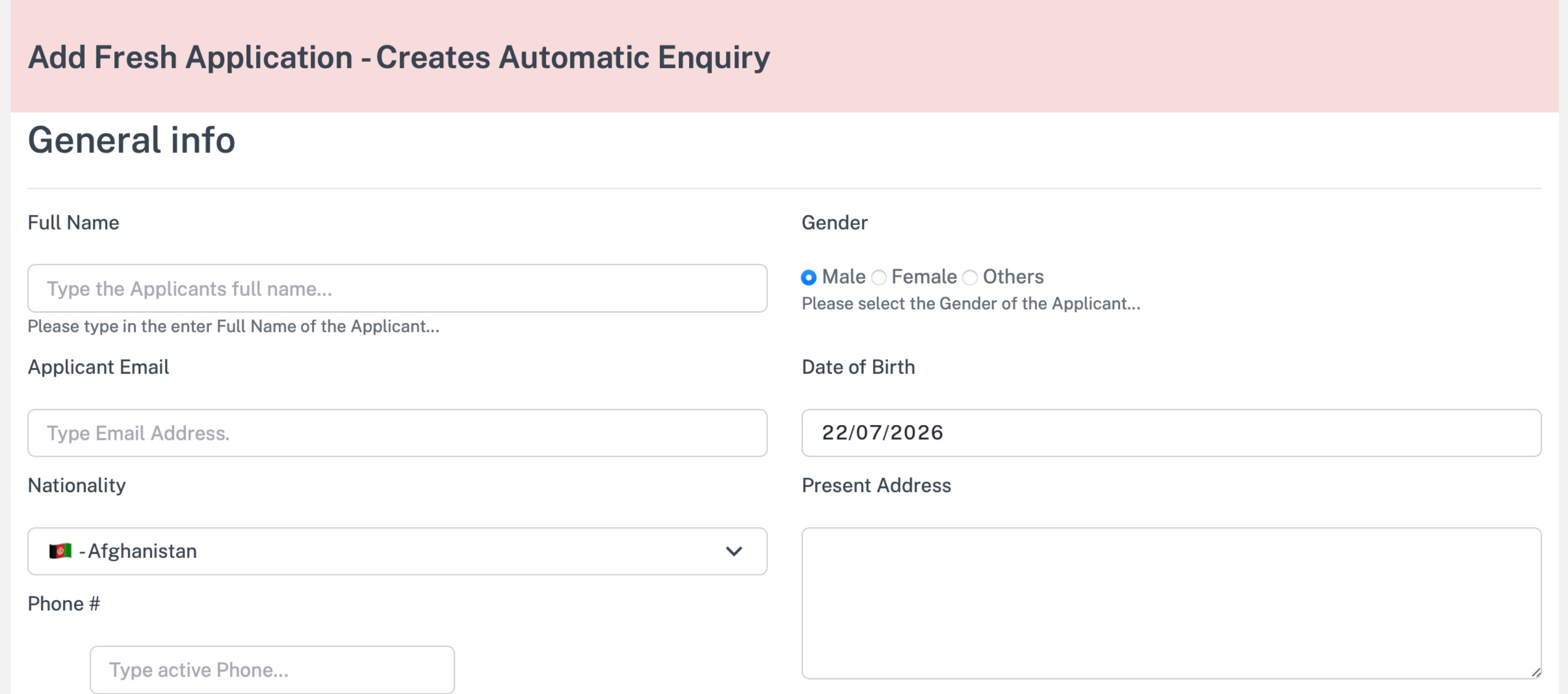
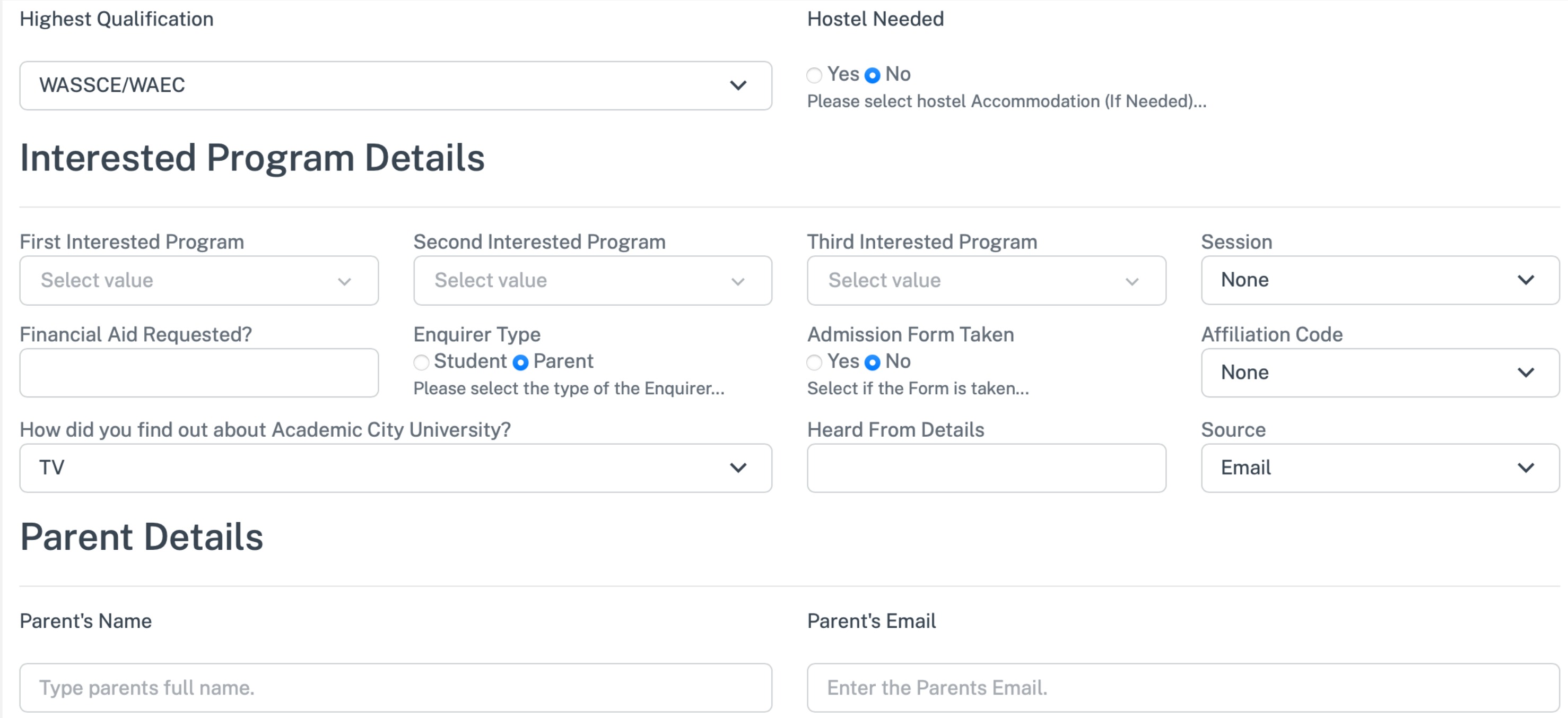
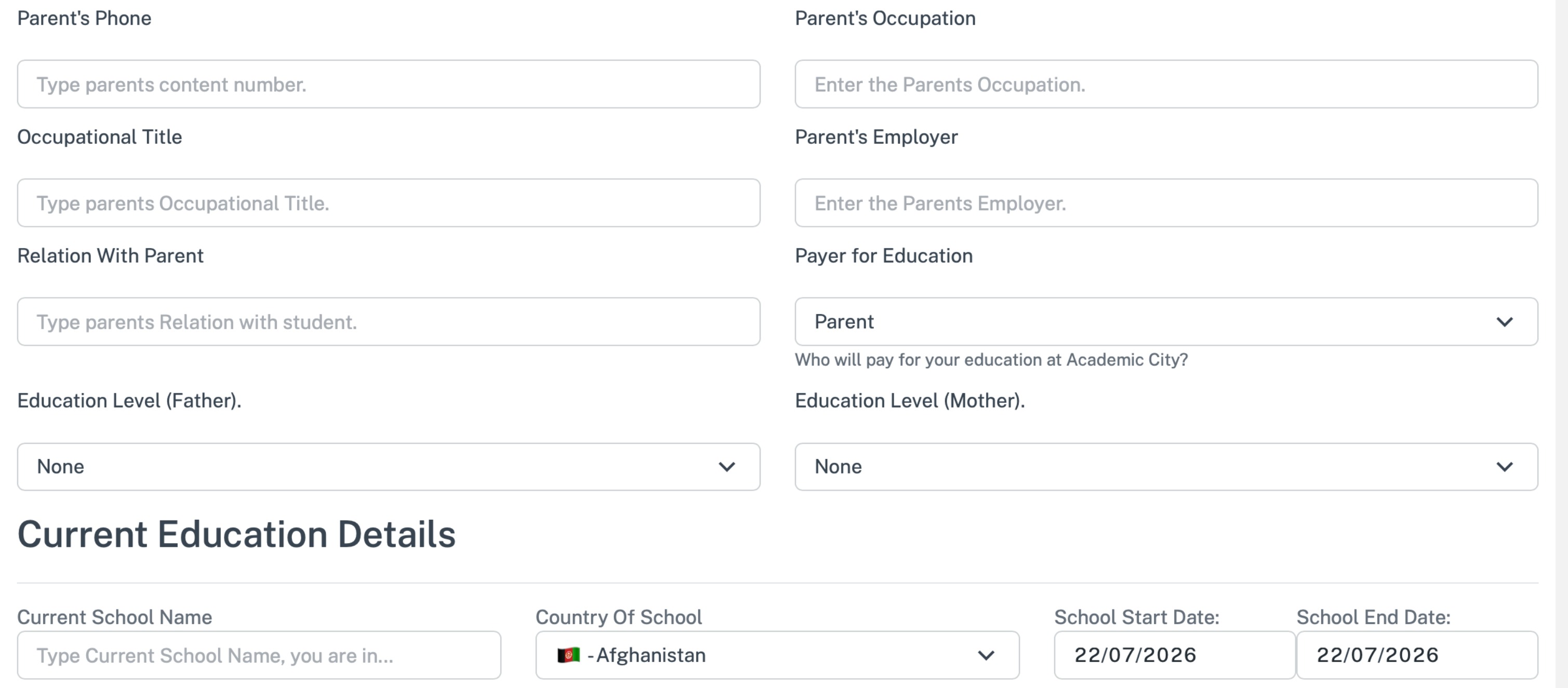
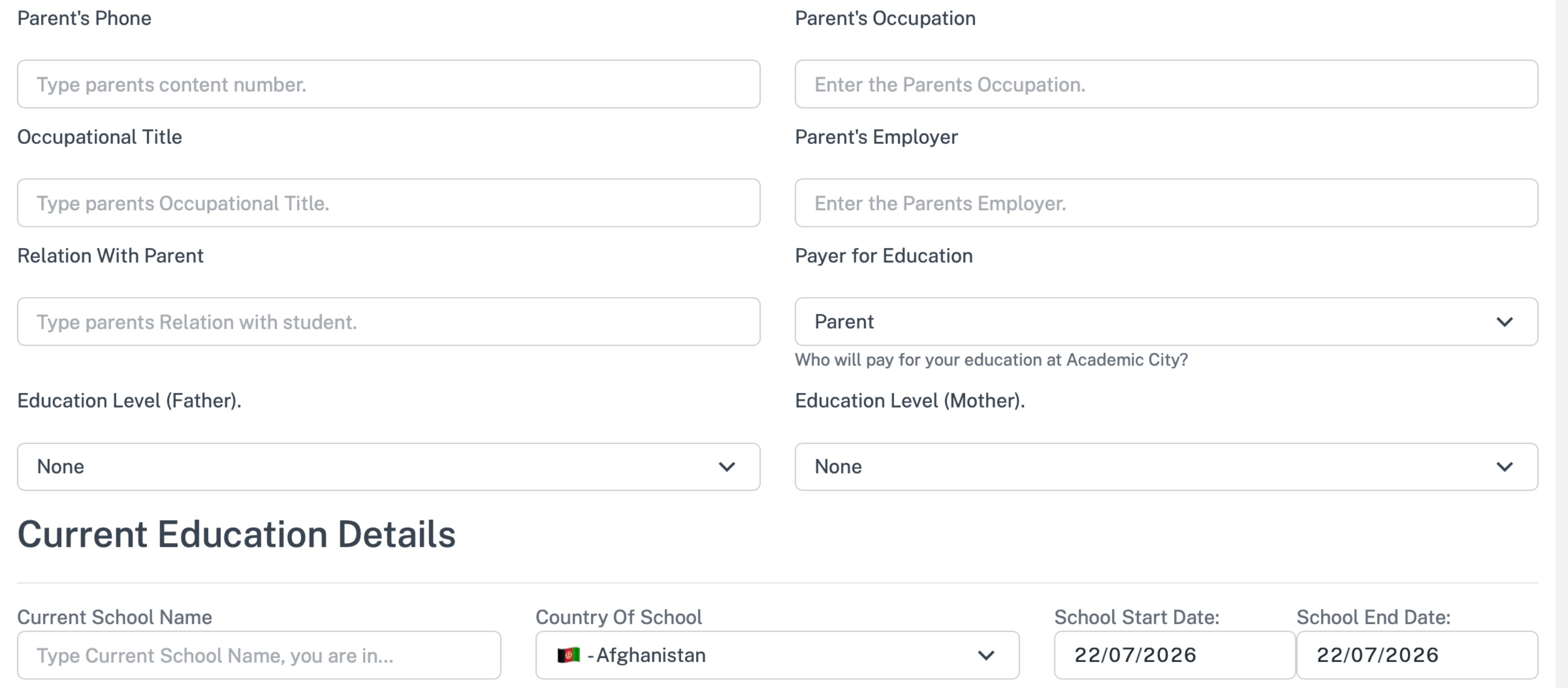
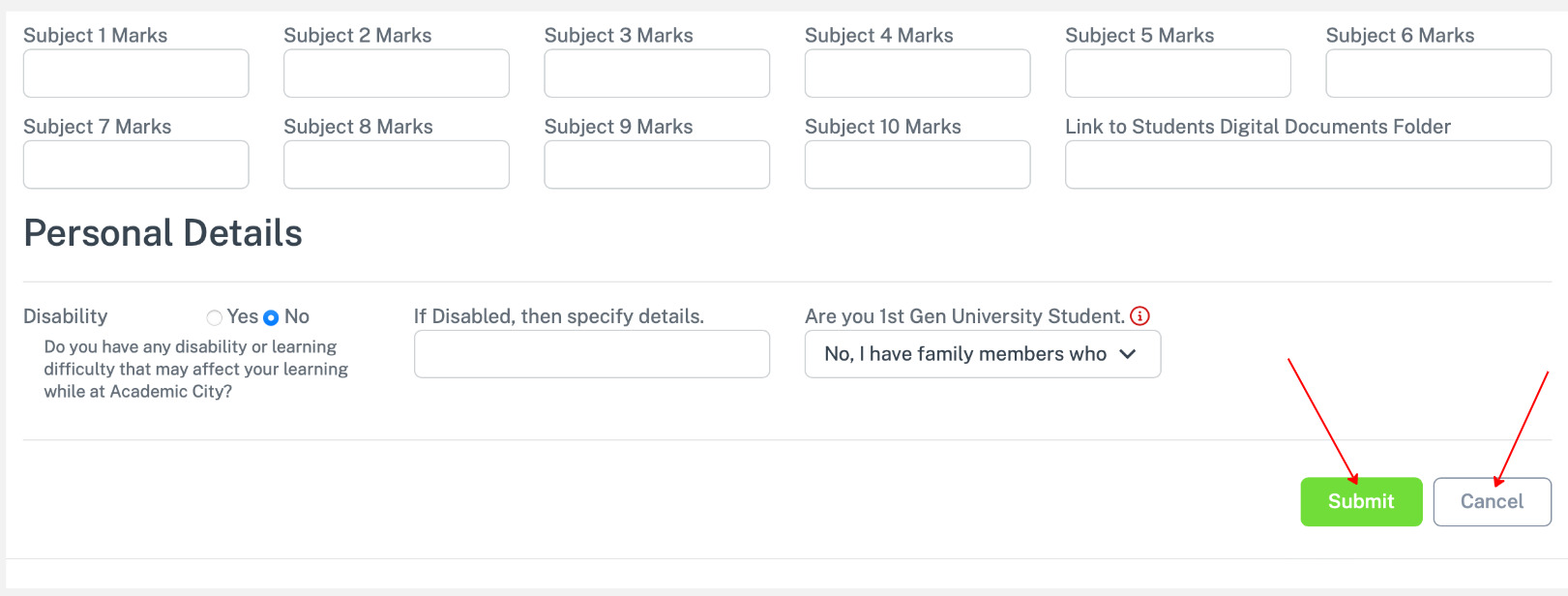
After filling click submit to save.
A confirmation alert appear for you to confirm